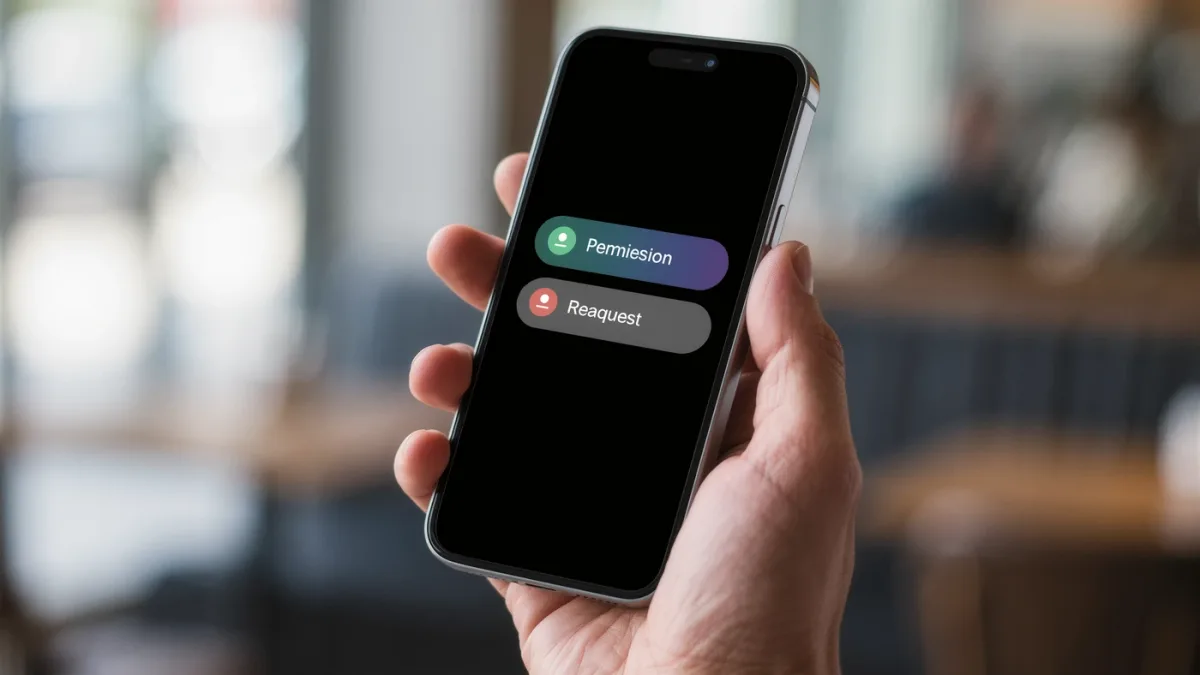
The rule that catches 90 percent of bad apps: the permissions must match the job. A flashlight needs the flash; a note app needs storage. When a simple utility requests contacts, location and microphone, that mismatch — visible before install on Android's permission list and on iOS at first request — is the documented signal to close the store page. The catch: permissions alone don't make an app safe; they tell you what it could take, and the real question is why it would need to.
Which permissions are the sensitive ones?
- Location — and its three documented tiers: never / while using / all the time. "All the time" is the one to interrogate; only navigation and tracking apps document a real need.
- Contacts — full read access to everyone you know; messaging and caller-ID apps claim it, and exported contact lists don't come back.
- Microphone and camera — platforms now document the orange/green indicator dots when either activates; treat an app using them unprompted as a fire drill.
- Storage/files — broad file access versus scoped per-app access; Android documents "Photos and videos" as a narrower grant than "All files."
- Accessibility services — the documented holy grail for spyware: an app with accessibility access can read screens and keystrokes. Only screen readers and trusted automation tools should ever hold it.
What's normal for common app types?
| App type | Normal permissions | Red flags |
|---|---|---|
| Camera app | Camera, storage | Contacts, SMS |
| Maps/navigation | Location, network | Contacts |
| Messaging | Contacts, camera, mic, notifications | Accessibility |
| Games | Network, sometimes storage | Contacts, location, mic |
| Flashlight/utility | Flash, network | Anything else |
How do you check before and after installing?
- Before (Android): the Play Store's "About this app" data-privacy section documents requested permissions and the developer's data-use answers.
- Before (iOS): App Store pages document "App Privacy" — data collected versus linked to you.
- After: iOS Settings → Privacy & Security → every permission category lists its apps; Android Settings → Privacy → Permission manager. Both document per-app revocation.
What should you do with an app you already trust-ish?
Audit, don't purge: open the permission manager, downgrade "all the time" location to "while using," pull contacts from apps that lost their excuse, and deny background activity where the option exists. Android documents the privacy dashboard showing which apps accessed what and when — the accountability view that turns paranoia into information.
The verdict
Match permissions to purpose before install, downgrade liberally after, and treat accessibility requests as near-disqualifying. What permission screens won't show you — an app's network behavior after closing — is why platform indicators and the privacy dashboard exist; both are documented, both are free, and both belong in your quarterly ten-minute check.