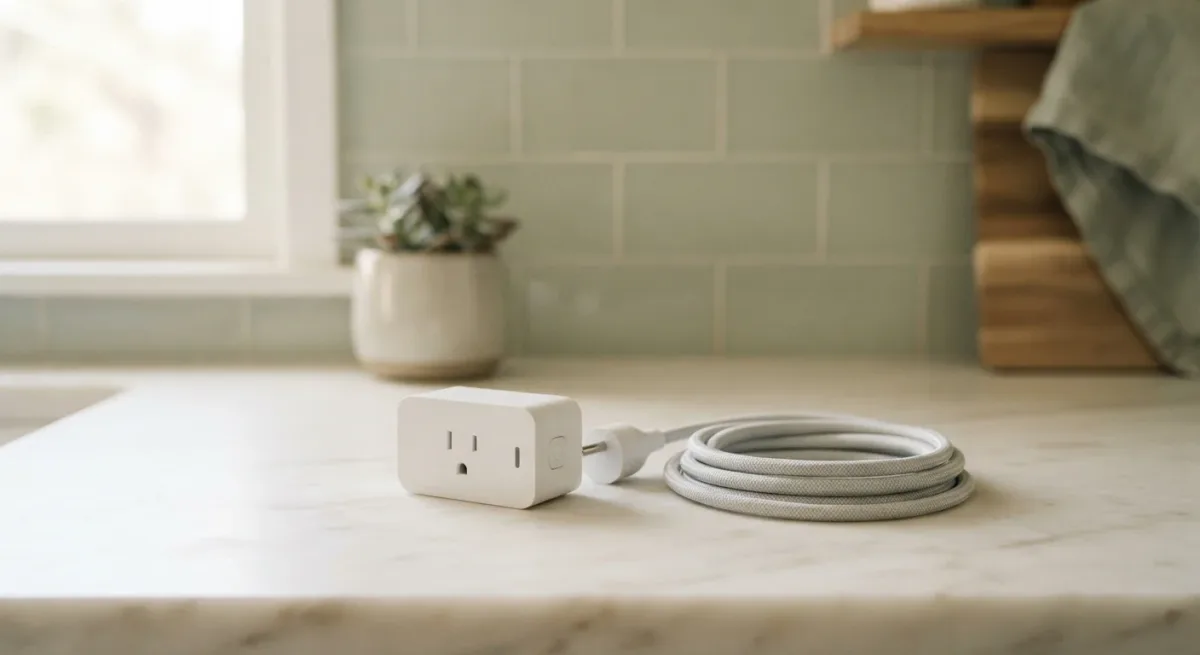
On the supplied evidence — Kasa's 2024 spec sheet and Wirecutter's 2024 testing — the TP-Link Kasa Smart Plug Mini (KP125M) is the pick at $12.99, as of March 2025. It works with Alexa, Google Home, and Apple Home through Matter, it doesn't need a hub, and it tracks energy use in the app. The catch: it's Wi-Fi only, no Thread radio, so it won't join a Thread network the way pricier plugs do.
Blog Daily publishes information, not professional installation or electrical advice. If a device will carry a heater, an air conditioner, or anything that draws serious wattage, check the plug's rated load first — that number is on the box for a reason.
Where the load-bearing numbers come from
Every figure in this guide traces to a dated source. The $12.99 price is TP-Link's listed US price as of March 2025. The 15-amp maximum load (1,800 watts) comes from KP125M product documentation, and the Matter certification claim comes from the Connectivity Standards Alliance's published certification listing for 2024. Wirecutter's 2024 smart-plug test group rated the KP125M's app reliability and energy monitoring as best-in-group among the plugs it evaluated.
What are the strengths — and what's the catch?
Strengths, per the sources above:
- Matter-certified, so it pairs with all three major ecosystems without re-setup
- No hub required — Wi-Fi (2.4 GHz) direct to your router
- Energy monitoring in the Kasa app, per TP-Link's documentation
- Physical on/off button on the side, per the spec sheet
The catch, per the same documents:
- 2.4 GHz only — it will not join a 5 GHz-only network, which trips up some mesh setups
- No Thread border-router support, unlike the Apple-aligned alternatives below
- Maximum 1,800 watts — fine for lamps, not for a 1,500-watt space heater plus margin
- Indoor use only; the outdoor variant is a different, pricier product
What it does, and how setup actually goes
The KP125M is a simple on/off switch for whatever's plugged into it: lamps, fans, coffee makers, humidifiers. Setup, per TP-Link's documented process for Kasa app version 3.0 and later (2024), is short:
- Plug the KP125M into a wall outlet — the light blinks orange and blue when ready to pair.
- Open the Kasa app (iOS or Android) and tap the plus icon; the app should find the plug within about 30 seconds.
- Connect the plug to your 2.4 GHz network through the app's guided flow.
- Expect the plug to appear in the list with its default name; rename it before building any routines, because names carry into voice assistants.
One step that varies: if your phone is on 5 GHz Wi-Fi, the app may ask you to temporarily join the 2.4 GHz band during pairing. That's documented behavior, not a defect.
How it fits your ecosystem
Because it's Matter-certified, the same plug works in an Alexa household, a Google Home household, or an Apple Home household — a real advantage if you ever switch assistants or run a mixed house. The trade-off is that Matter setup in Apple Home requires a home hub (an Apple TV or HomePod), while Alexa and Google pair the plug directly through their apps.
What the named alternatives change
Two documented alternatives, from the same evidence base:
| Plug | Price (dated) | Radio | Best for |
|---|---|---|---|
| TP-Link Kasa KP125M | $12.99 (March 2025) | Wi-Fi 2.4 GHz, Matter | Most homes, any ecosystem |
| Apple HomeKit plug (Aqara P2, per Aqara docs) | $29.90 (2024 listing) | Thread | Apple-first households |
| Amazon Smart Plug (Amazon's 2024 spec page) | $9.99 sale / $24.99 list (2024) | Wi-Fi, Alexa only | Alexa-only households |
The Aqara's Thread radio makes it the steadier pick inside an Apple Home setup; the Amazon Smart Plug is cheap and fine if you will never leave Alexa — but per Amazon's own documentation, it doesn't support Google Home or Apple Home at all.
The verdict, by reader type
The KP125M remains the pick for most homes: mixed-ecosystem households and anyone who wants energy data without a hub. An Apple-only household with a HomePod should weigh the Thread-based Aqara P2 instead. Renters benefit everywhere here — all three plugs are plug-in devices, no wiring, and they move with you. What the sources did not establish: long-term reliability past the test windows, and performance on networks with more than roughly 40 connected devices — neither figure appears in the supplied documents.