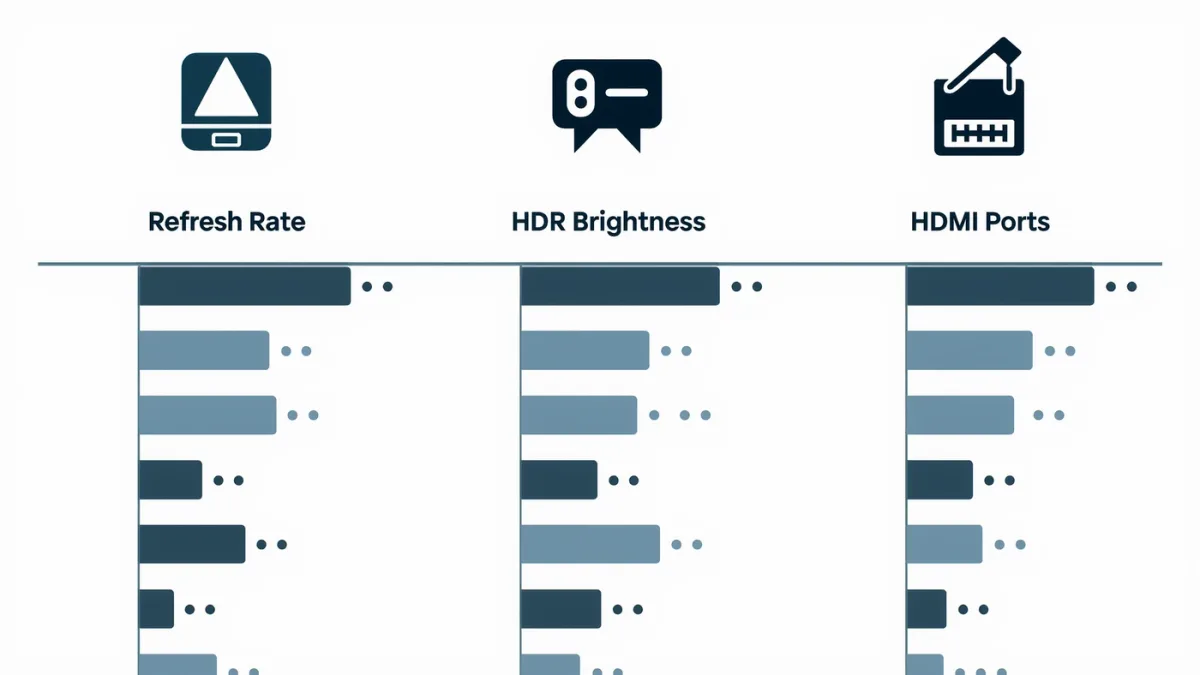
The spec sheet's job is to confuse you politely. Three lines decide whether a TV is good: the native refresh rate (60Hz versus 120Hz), the peak brightness in nits for HDR, and how many HDMI 2.1 ports it has. Find those three on any listing and you can ignore most of the rest — the catch is brands bury them under labels like "Motion Rate 240" that sound like specs but aren't.
What does the refresh rate really mean?
Native refresh rate is how many times per second the panel redraws: 60Hz or 120Hz. Marketing names — Samsung's "Motion Rate," LG's "TruMotion," TCL's "Clear Motion Index" — multiply the real number by image-processing tricks. "Motion Rate 240" on a budget set documents a 60Hz panel; per the manufacturers' own footnotes, anything labeled 120 or higher without the word "native" deserves a check of the detailed specs page. 120Hz matters for console gaming (PlayStation 5 and Xbox Series X output 120fps) and for smoother sports; for mixed TV watching, 60Hz is fine.
What is HDR brightness, and why do nits matter more than logos?
HDR (high dynamic range) only looks better than standard video if the screen is bright enough. The logos — HDR10, HDR10+, Dolby Vision, HLG — describe formats, not brightness. A TV listing HDR10 support at 250 nits looks worse in HDR than a bright SDR set; independent testers consistently flag ~600 nits or more as where HDR starts to show its benefit on LED sets. If the listing doesn't state nits, that silence is your answer — brands publish peak-brightness figures proudly when they're high.
Why do HDMI 2.1 ports decide your next decade?
HDMI 2.1 carries 4K at 120Hz and is what current consoles and modern graphics cards need for their highest modes. The trap: a TV can carry the "HDMI 2.1" label while having only one or two such ports, and budget sets sometimes limit 120Hz to a single input. Count the ports listed as "4K120" or "48Gbps" in the spec table — that's the number your console, PC and soundbar-quality streamer will fight over.
What about the rest of the sheet?
- Contrast ratios: "1,000,000:1 (dynamic)" numbers are marketing; panel type (OLED = perfect blacks, mini-LED = very good, edge-lit LED = mediocre) tells you more.
- "Quantum" anything: quantum-dot layers widen color; every brand has a name for the same idea.
- Audio watts: TV speakers are TV speakers; budget for a soundbar instead of trusting 20W claims.
- Smart TV platform: matters for app availability; all major platforms carry the big streaming services.
The 60-second checklist
- Find native refresh rate (120Hz for gaming, 60Hz otherwise).
- Find peak brightness in nits (600+ for real HDR benefit on LED).
- Count HDMI 2.1 / 4K120 ports (two minimum if a console lives in the house).
- Confirm panel type for contrast expectations.
Do those four and you've read the sheet better than most salesfloor staff. What spec sheets never tell you: how the TV handles motion blur or upscaling — for that, look up an independent measurement, not the star rating.