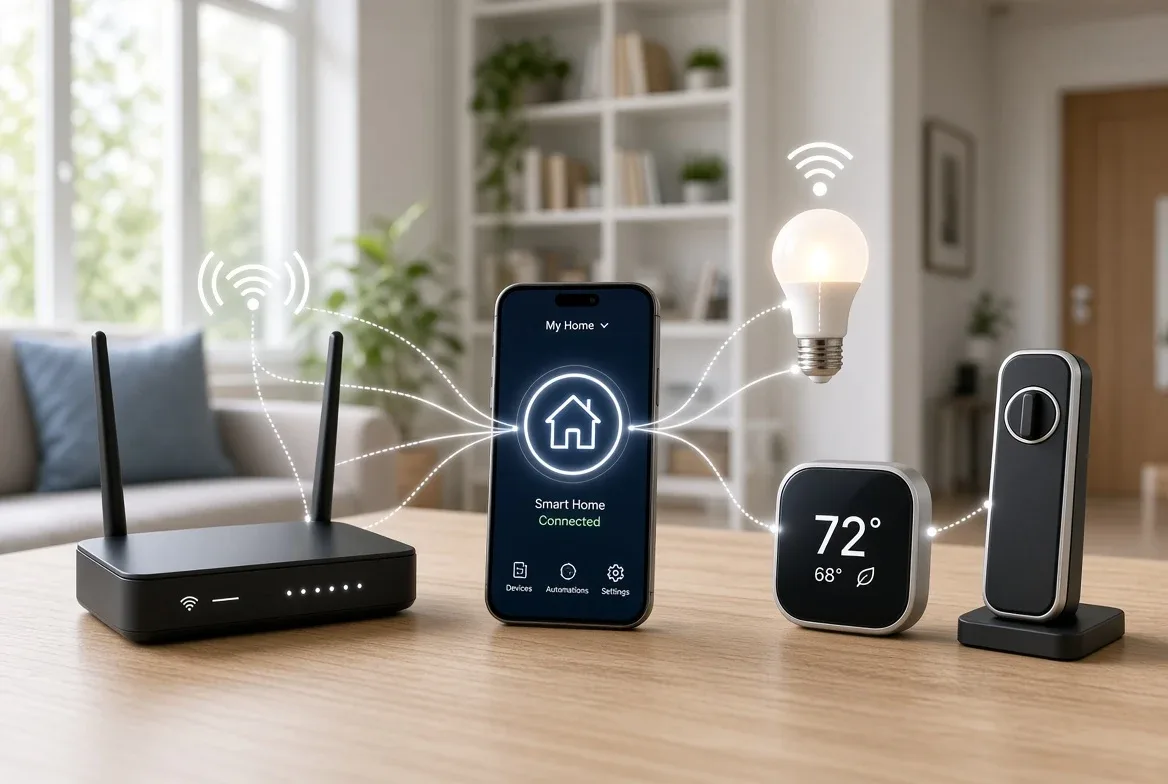
Matter devices don't need a proprietary hub to join your smart home app — but if a device uses the Thread wireless protocol instead of Wi-Fi, your network still needs a Thread Border Router somewhere on it, and the standard's newest update lets that router live inside compatible Wi-Fi gear instead of a separate box.
What Is Matter, and What Problem Does It Actually Solve?
Matter is an open connectivity standard, developed by the Connectivity Standards Alliance (CSA), that lets smart home devices from different brands set up and communicate from a single app instead of one app per manufacturer.
At its 2022 launch, the certification program had more than 550 member companies — including Apple, Amazon, and Google — working on the specification, testing, and requirements, according to a TechCrunch report from that October. Eight authorized labs were running the certification tests.
The pitch is simple: buy a Matter-certified light bulb, lock, or thermostat from any brand, and it should pair with whichever smart home app you already use, rather than locking you into that manufacturer's own ecosystem.
Do I Need a Separate Hub to Use Matter Devices?
It depends on which network layer the specific device runs on. Matter devices connect over Wi-Fi or Thread, and use Bluetooth Low Energy only for the initial pairing step — not for ongoing communication, per CSA's own documentation of the standard.
A Wi-Fi Matter device talks directly to your router and your phone or smart speaker app — no separate hardware required. A Thread Matter device needs a Thread Border Router somewhere on the network to bridge it onto your Wi-Fi. That's the practical line that decides whether "hub-free" claims on a product box are accurate for your setup.
To add a Matter device to an app that supports it:
- Open your smart home app (the one built into your phone's ecosystem or a third-party controller that supports Matter).
- Choose "add device" and scan the Matter setup code printed on the device or its box.
- Bluetooth Low Energy handles the brief pairing handshake, then the device joins your Wi-Fi or Thread network.
- The device now appears in that app — and, per the multi-admin features CSA added in Matter 1.4, can be shared to additional supported apps with one consent step instead of repeating setup from scratch.
What's a Thread Border Router, and Do I Already Have One?
A Thread Border Router is the piece of hardware that routes Thread-network traffic onto your regular home network. Increasingly, it's built into products you already own rather than sold as its own box.
Matter 1.4, released November 7, 2024, added a device category called Home Routers and Access Points (HRAP), which combines a Wi-Fi access point with a Thread Border Router in one unit, according to CSA's release notes. That update also added energy-management device types — solar inverters, home batteries, heat pumps, water heaters, and EV chargers with user-set charging preferences — plus scheduling and preset modes for thermostats.
The supplied CSA documentation doesn't publish a list of which specific routers, smart speakers, or displays on the market ship with an active Thread Border Router today; check the specification sheet for your own hardware, or the Thread-support line on the box, before assuming your existing gear covers it.
Which Smart Home Apps Officially Support Matter?
CSA's own solutions page lists Matter as officially supported by Google Home, Nest, Amazon Echo, and Apple TV, with compatibility extending to Alexa, Siri, and Google Assistant voice control. Samsung SmartThings is named as actively rolling out Matter support as well.
That's the short list of controllers confirmed in the supplied source material. If a device or app isn't named there, verify Matter support directly with the manufacturer rather than assuming compatibility.
The Catch: What Matter Still Doesn't Guarantee
Matter fixes the "wrong app" problem, not every compatibility problem. The supplied CSA and TechCrunch material doesn't establish a complete, current device-by-device list of what runs Matter today, doesn't guarantee your specific router already has a working Thread Border Router built in, and doesn't cover whether an older, pre-Matter device from your existing setup will ever get a Matter software update — that's a manufacturer-by-manufacturer decision the sourced material doesn't address.
The practical takeaway: a Wi-Fi Matter device is close to plug-and-play with any supporting app. A Thread Matter device is only hub-free if something else on your network — a router, speaker, or display — is already acting as a Thread Border Router, and confirming that before you buy saves a return.
For a related smarthome perspective, read What Matter Actually Does for Your Smart Home, Explained.
For more context, read The Best Smart Plug for Most Homes, Per the Documented Specs.