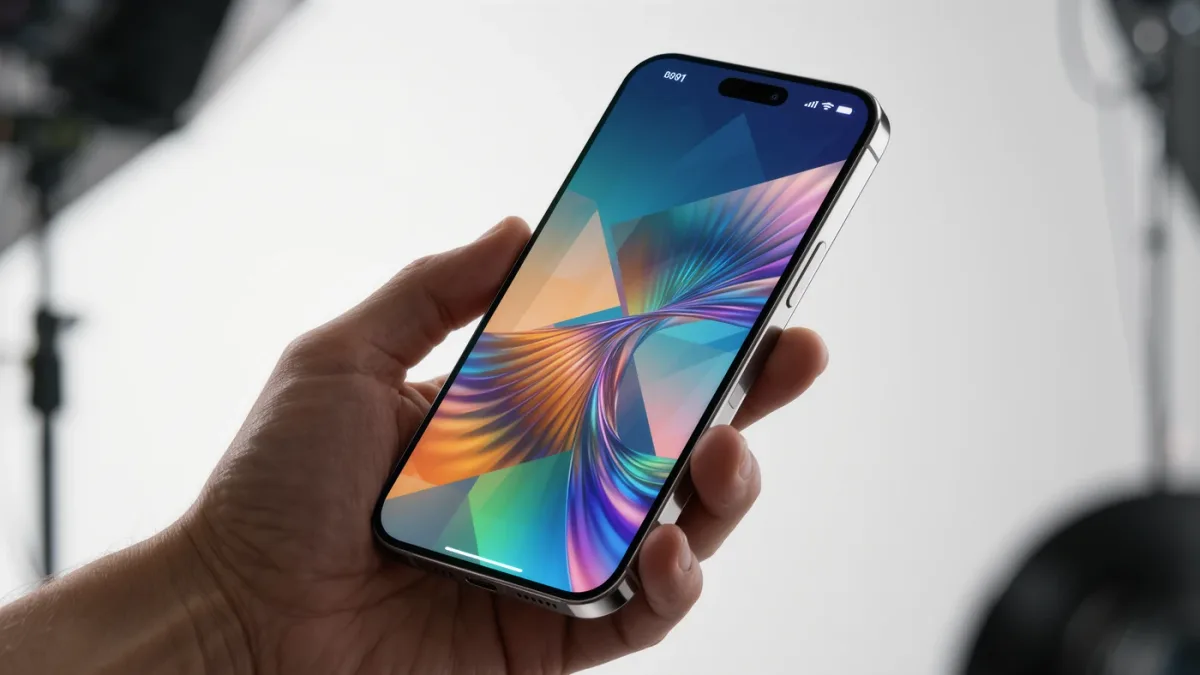
iOS 26 — the version Apple shipped in September 2025 when it switched iPhone software to year-based names — is the release you're probably running now, and its most useful parts are settings, not headline features: a redesigned Lock Screen with tinted icons, Apple Intelligence expansions, and a stack of privacy and battery toggles that ship off by default. The catch: several of the best features require recent hardware, and Apple's intelligence features remain formally labeled beta with regional limits.
What shipped in iOS 26, per Apple's documentation?
- The Liquid Glass redesign: translucent interface across Lock Screen, Control Center and apps — the most visible change; tinted icon themes live under long-press on the Lock Screen.
- Apple Intelligence expansion: visual intelligence via Camera Control (on supported iPhone 16 models), expanded writing tools, and localized English support broadening through 2025–26.
- Phone app upgrades: call screening, hold-assist and unknown-caller filtering documented for supported devices.
- Messages and Photos polish: message filtering improvements and a Photos app streamlined after 2024's backlash.
Which settings deserve ten minutes right now?
- Adaptive Power (iPhone 16 Pro and later per Apple's documentation): a gentler "low power always" mode that trades a little speed for battery — Settings → Battery.
- Call screening: Settings → Phone → Call Screening sends unknown callers to a live transcription so you watch the ask before answering — the documented spam killer.
- Lock Screen tinting: long-press the Lock Screen, customize, and pick a tint — the feature that makes the update feel personal in ninety seconds.
- App limits on the tinted era's brightest distractions: Screen Time's per-app limits now interact with the redesigned widgets; worth re-checking your old limits survived the update.
What does Apple Intelligence actually do in 2026?
On supported devices (iPhone 16 lineup and iPhone 15 Pro, per Apple's documented hardware list): notification summaries, writing tools in nearly every text field, Clean Up in Photos (removing background objects), and visual intelligence lookups. Siri's conversational rebuild remains the announced-but-rolling part of the roadmap — treat any single-feature expectation with patience, since Apple documents feature availability by device and language, and delays marked its 2025 rollout.
What's the overlooked detail?
Compatibility. iOS 26 documents support back to iPhone 11 — older devices stay secure but miss the intelligence stack, and that gap is the practical argument in a used-iPhone purchase this year: an iPhone 15 Pro runs everything; an iPhone 12 runs the redesign and little of the AI. The second overlooked piece: Apple's AI toggles are off by default — Settings → Apple Intelligence — so the update feels smaller than the keynote until you switch them on.
Should you update a daily-driver phone mid-cycle?
By March 2026 the answer is routine: the x.3-x.4 point releases that follow a major version have stabilized the initial quirks, and security updates document themselves in Apple's release notes. Update plugged in, overnight, and let the post-update reindexing finish before judging battery — the documented 48-hour settling window.