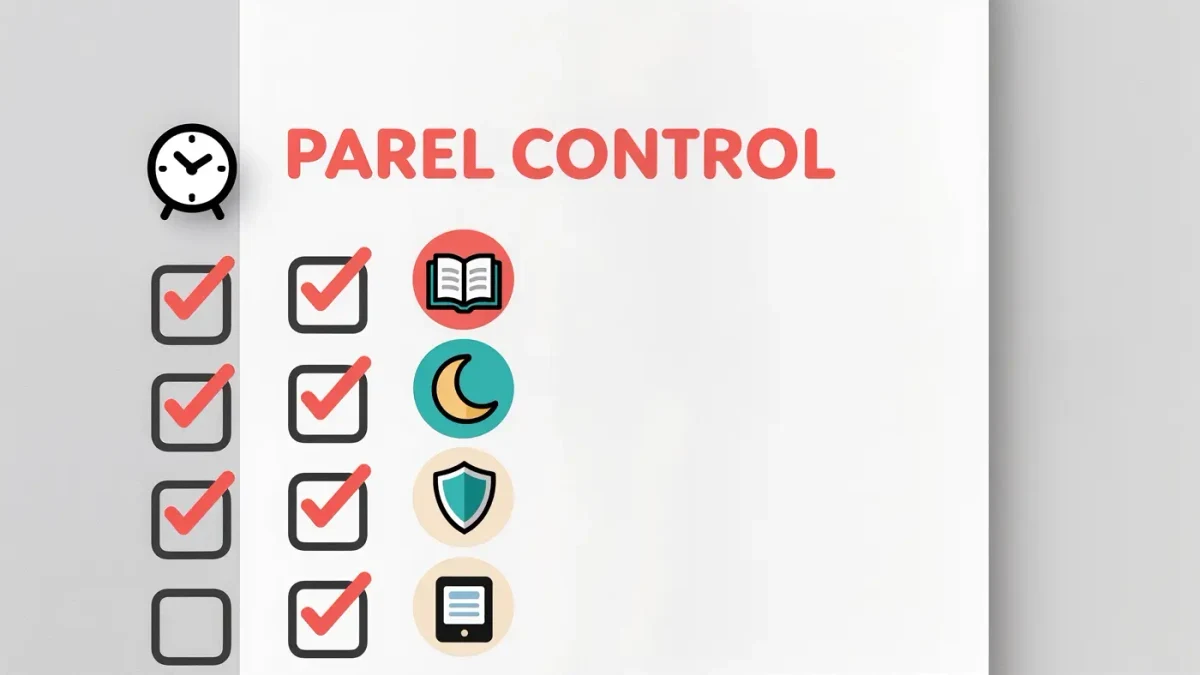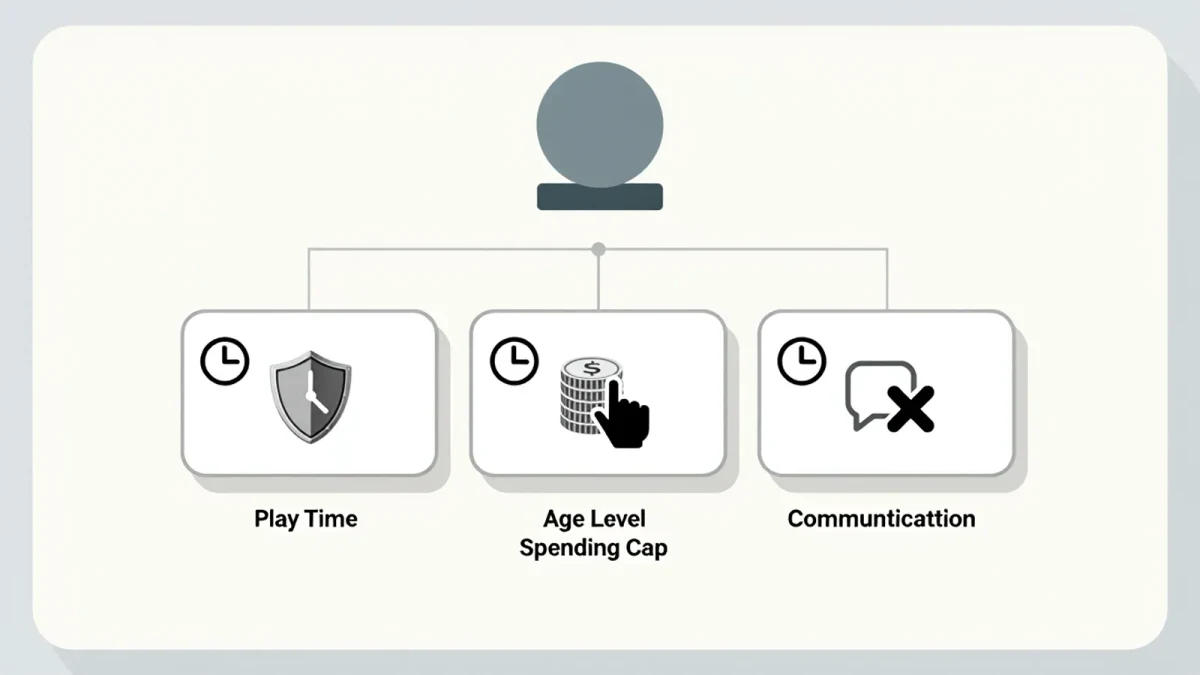

The complete toolkit is free and built in: Apple Family Sharing + Screen Time on iPhone, Google Family Link on Android — both document per-app time limits, device downtime windows, content filters by age, and approval-required purchases and downloads. The setup is thirty minutes; the parenting around it is longer. The catch most families hit: the two documented friction points are communication limits (who can text the child during downtime) and the passcode — share the Screen Time passcode between parents only, because a child who knows it owns the controls.
iPhone setup, step by step
- Create the child account under your Apple ID via Family Sharing (Settings → Family) — Apple documents child accounts with age-appropriate defaults and Ask-to-Buy for purchases.
- On the child's device: Settings → Screen Time → set Downtime (the overnight lock), App Limits (per category or app), and Communication Limits (contacts allowed during downtime — family, and who else).
- Content restrictions: Settings → Screen Time → Content & Privacy — age ratings for apps, movies, music; web-content filtering.
- Set the Screen Time passcode — parents only, documented as the enforcement key.
Android setup, step by step
- Create the child's Google account with Family Link (the app walks supervision setup) — Google documents supervision until the child's configured age of maturity, with device-level controls throughout.
- Set daily limits per app, plus a bedtime lock in the Family Link app.
- Purchase approvals: require approval for Play downloads and in-app purchases — Google documents ask-always or per-content-type.
- Content filters: YouTube experience settings and Google Play maturity levels per the child's age.
What meltdowns do the settings prevent (or cause)?
- Warn, then enforce: both platforms document five-minute warnings before limits hit — kids who see the warning negotiate less than kids ambushed by a lock.
- Communication limits decide everything for tweens: whether friends can text during downtime is a family decision to make before the first night, not during it.
- Request more time is documented on both platforms — the approval flow beats the passcode-sharing workaround it prevents.
- Workaround patrol: kids reinstall limited apps (new installs inherit limits on both platforms when set by category — the documented configuration), borrow friends' devices, and test whether parents check the reports. The apps' usage reports document all of it.
How does this fit the bigger picture?
Device controls are the enforcement layer; the family media plan (our guide covers it) is the agreement layer; the router (also covered) is the household layer. Homes that run all three document fewer fights — each layer catches what the others miss, and the child sees a consistent environment instead of a parent's improvisation.
The verdict
Thirty minutes per platform: child account, downtime, app limits, content filters, purchases-gated, passcode protected. Adjust seasonally, follow the plan yourself where visible. What the settings can't document: why — the conversation that makes limits feel like care rather than surveillance.