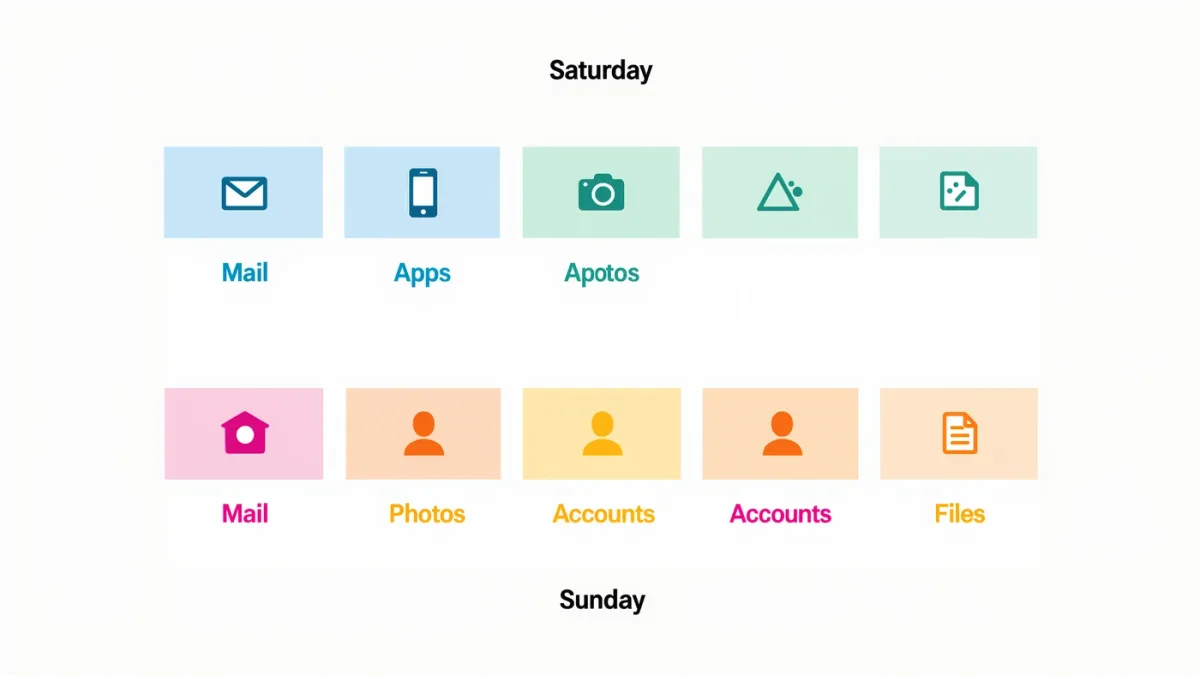
A digital declutter works as a weekend because it's sequential: Saturday morning unsubscribes (every newsletter you never open — 30 minutes, permanent relief), Saturday afternoon deletes apps (the phone's offload suggestions do the triage), Sunday morning cleans photos (duplicates and screenshots first), Sunday afternoon audits accounts (breach check, password upgrades), and the final hour tidies files. The catch: don't aim for perfect — aim for visibly better; decluttering that becomes a project becomes abandoned.
Saturday morning: the unsubscribe hour
- Open the inbox, sort by sender, and unsubscribe from everything you haven't opened in a month — the link is legally required in commercial email, the documented CAN-SPAM rule.
- For senders without working links, filter to trash — equally effective.
- Do the same for promotional SMS: reply STOP, the documented opt-out keyword carriers honor.
Saturday afternoon: the app purge
- iPhone: Settings → General → iPhone Storage lists apps by size with last-used dates — offload or delete the forgotten ones (our storage guide covers the mechanics).
- Android: the Play Store and Settings document similar unused-app views.
- The home screen test: move everything off except daily tools; whatever you reinstall over the next month earned its place. Everything else stays in the library.
Sunday morning: photo library triage
- Screenshots first: search "screenshot," delete in batches — the fastest documented win.
- Duplicates: the Photos/Google Photos merge tools do the matching; review before confirming.
- Videos over a minute from years past: the space hogs; keep the moments, trash the cushions.
- Favorites: star the year's keepers as you go — next year's declutter gets faster.
Sunday afternoon: the account audit
- Breach check: run your email through a breach-notification service; upgrade any reused passwords it implicates.
- Two-factor gap-fill: enable 2FA anywhere it's still off — email first, per our authentication guide.
- Delete dead accounts: old forums, one-purchase shops; each is a future breach you're opting out of.
The last hour: files and defaults
Desktop into dated folders, downloads folder to trash (it's a waiting room, not storage — the documented truth of every downloads folder), and set one recurring calendar reminder: quarterly, 30 minutes, re-run the checklist. Decluttering is maintenance, not a milestone — and the first weekend's two hours make every later pass a fraction of that.
The verdict
Unsubscribe, delete, clean, audit, tidy — five buckets, two days, zero purchases. What no app can declutter for you: the reflex to check the phone — but a home screen with nothing to check is the documented head start.