
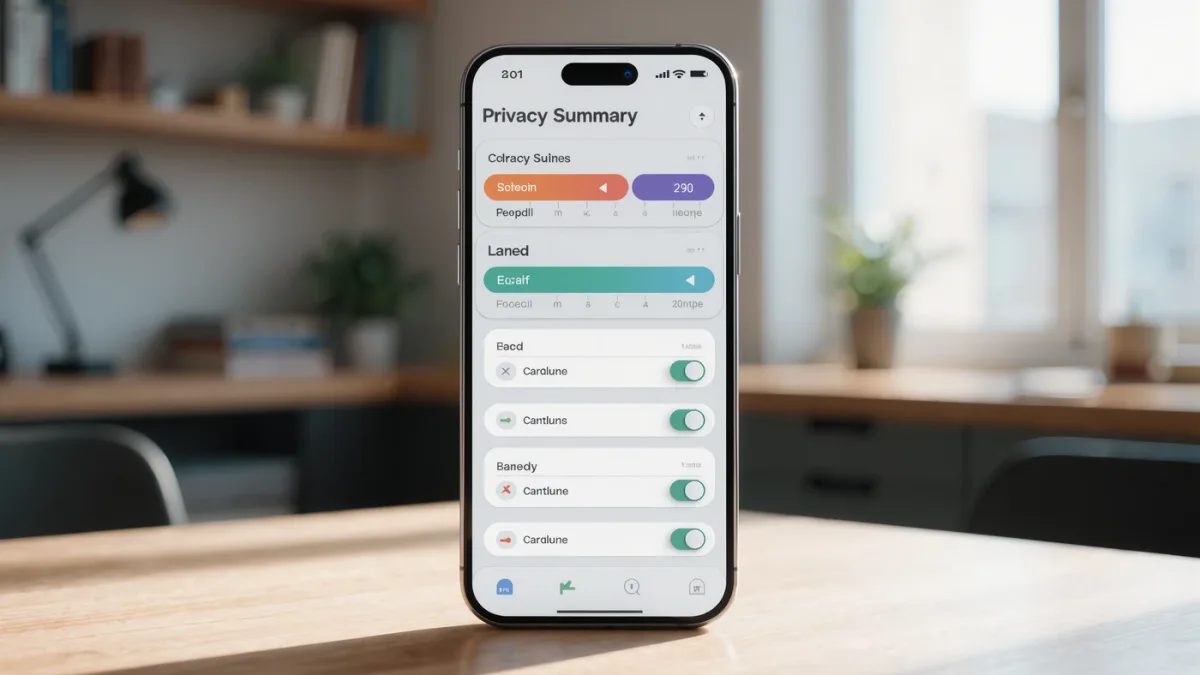
Both stores now require a privacy summary: Apple's App Privacy labels (since 2020) and Google's Data safety section (since 2022) document what an app collects and why. The line that matters most is "Data Used to Track You" — sharing for advertising across other companies' apps and websites. Second: "Data Linked to You" — tied to your identity (account, device ID). Third: everything else, collected but not linked or tracked. The catch: it's all self-reported — Apple documents no pre-verification — so treat labels as structured disclosure with known blind spots, not audited guarantees.
What do "tracking" and "linked" actually mean?
- Tracking (both platforms define it nearly identically): your data shared with third parties for advertising or measurement across their domains — the ad-tech pipeline. A weather app listing location under tracking is selling your movements' shadow.
- Linked to you: associated with your identity even without sharing — analytics, account data, purchases. Not necessarily leaving the building; now permanently yours-on-file.
- Not linked: collected anonymized-ish (device-level, rotated identifiers) — the least-concerning category, still worth minimizing.
How do you read a label in 30 seconds?
- Purpose mismatch first: data types listed for purposes unrelated to the app's job (contacts in a flashlight, location "for analytics" in a calculator) — the mismatch test from our permissions guide, applied store-side.
- Tracking row: shorter is better; empty is best. Many excellent apps document no tracking at all.
- Compare alternates: two apps, same job, different labels — this comparison is exactly what the labels were documented to enable, and it changes picks more often than reviews do.
Do the labels match reality?
Sometimes not — the documented gap studies have found apps collecting more than their labels declare, which both platforms address through spot checks and policy enforcement rather than audit. The practical posture: labels for comparison shopping, platform indicators (iOS's tracking dots, Android's privacy dashboard) for ground truth, and the permissions manager as the enforcement layer underneath.
What else shifts the privacy math?
- "Ask App Not to Track" (iOS): the documented prompt whose denial blocks the IDFA tracking identifier — deny it; apps still function, tracking becomes harder.
- Android's ad-ID controls: documented deletion of the advertising ID entirely — stronger than reset, under Settings → Privacy.
- Account necessity: apps working without accounts document less linkable data; that design choice often says more than the label.
The verdict
Read three lines — tracked, linked, collected — reject purpose mismatches, compare alternates, deny tracking prompts, and verify with the platform's indicator tools. What labels can't give you: enforcement — that's what the settings under them are for.