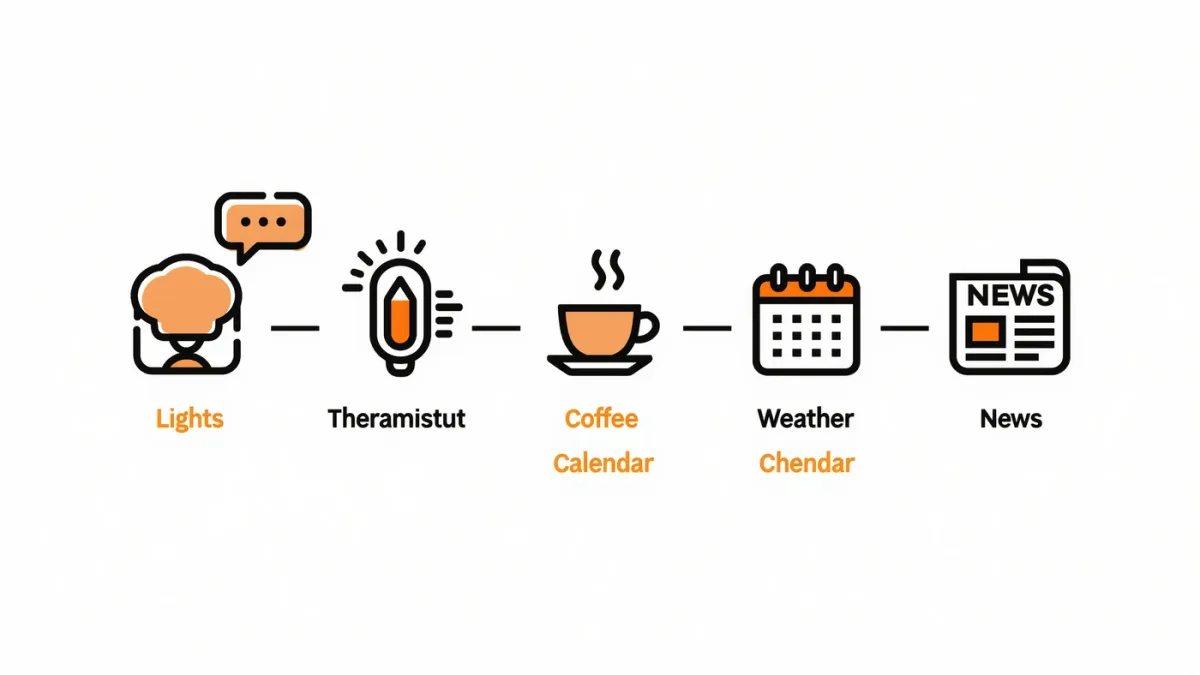
A morning routine is the highest-return smart-home automation: one trigger, six actions, zero apps opened — and all three platforms document the same blueprint. Say "good morning" (or set a time trigger) and the assistant runs your sequence: lights up, thermostat warm, weather and calendar read, news brief, maybe the coffee maker on a smart plug. The catch: the first build takes honest iteration — expect a week of small edits before it matches your actual morning, which is why every platform documents routines as editable sequences rather than fixed presets.
Where do routines live?
- Alexa: the Alexa app → More → Routines — documented starters include voice phrases, schedules and device triggers (a motion sensor in the hallway, sunrise).
- Google Home: the Home app → Routines (formerly "Assistant routines") — documented starters and the household sharing that runs routines for everyone.
- Apple Home / Siri: the Home app's Automations for device/time triggers; for spoken "good morning" sequences, Shortcuts documents the full action engine, including personal shortcuts that run by voice.
Building the morning sequence, step by step
- Pick the trigger: the phrase "good morning," or a time (7:00 weekdays), or sunrise — the three documented options, each better for a different household.
- Layer the actions: lights on at a chosen scene and brightness; thermostat to day temperature; weather; calendar events; news briefing (pick your sources in the app's briefing settings); a smart plug for the coffee maker.
- Order matters: physical actions (lights, heat, coffee) first, spoken content after — the documented pattern that prevents the briefing talking over a dark room's confusion.
- Test by running it manually from the app (every platform documents a play button) — iterate until the sequence matches the morning.
What makes routines actually stick?
- Start small: three actions that work beat eight that misfire; add one per week.
- Volume settings are routine actions too — a documented trick: set the speaker's volume as part of the routine so the briefing never shouts.
- The exit routine: a "goodnight" mirror — doors locked (on supported locks), lights off, tomorrow's alarm set — builds the habit from both ends.
- Household calibration: Google's documented per-person routines handle two wake-up times; Alexa profiles do the same on supported hardware.
What are the documented limits?
Voice-triggered routines need the speaker to hear you (obvious) and the platform's cloud to be awake — outages documented on all platforms occasionally delay routines; time and device triggers keep more local resilience on hub-based systems (our Matter guide covers which setups run locally). And the honest gap: news briefings read whatever sources you configure — the routine automates the delivery, not the journalism.
The verdict
Fifteen minutes to build, a week to tune, then every morning runs itself: lights, heat, coffee, weather, calendar, news — one phrase. The evening mirror routine costs five more minutes and doubles the payoff. What no routine delivers: the coffee maker's part — that's the smart plug's job (our plug guide covers which appliances qualify).