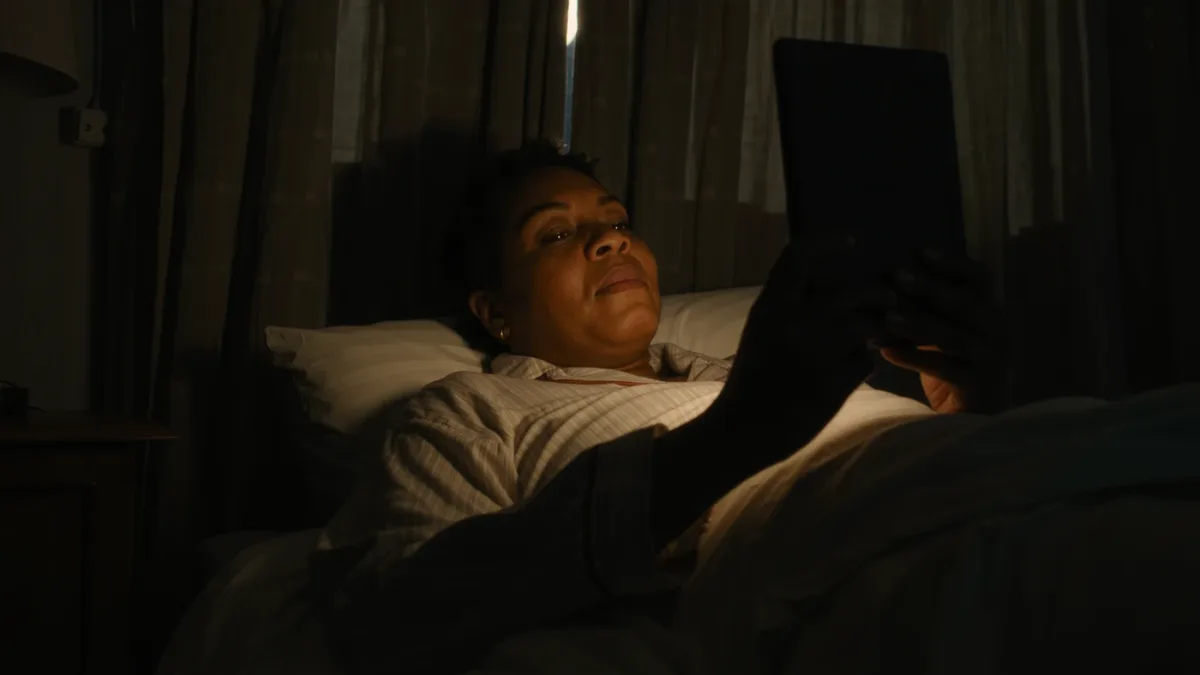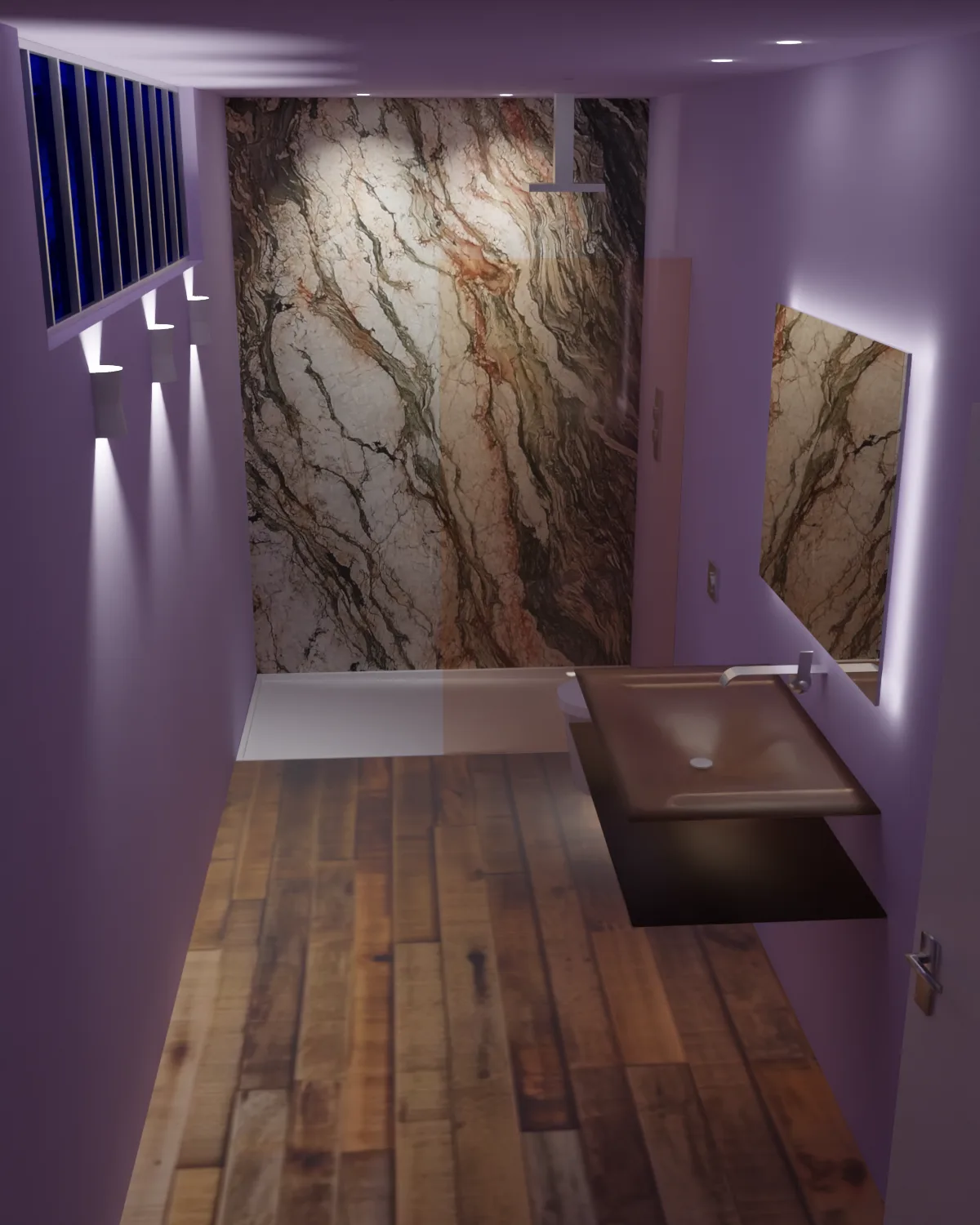
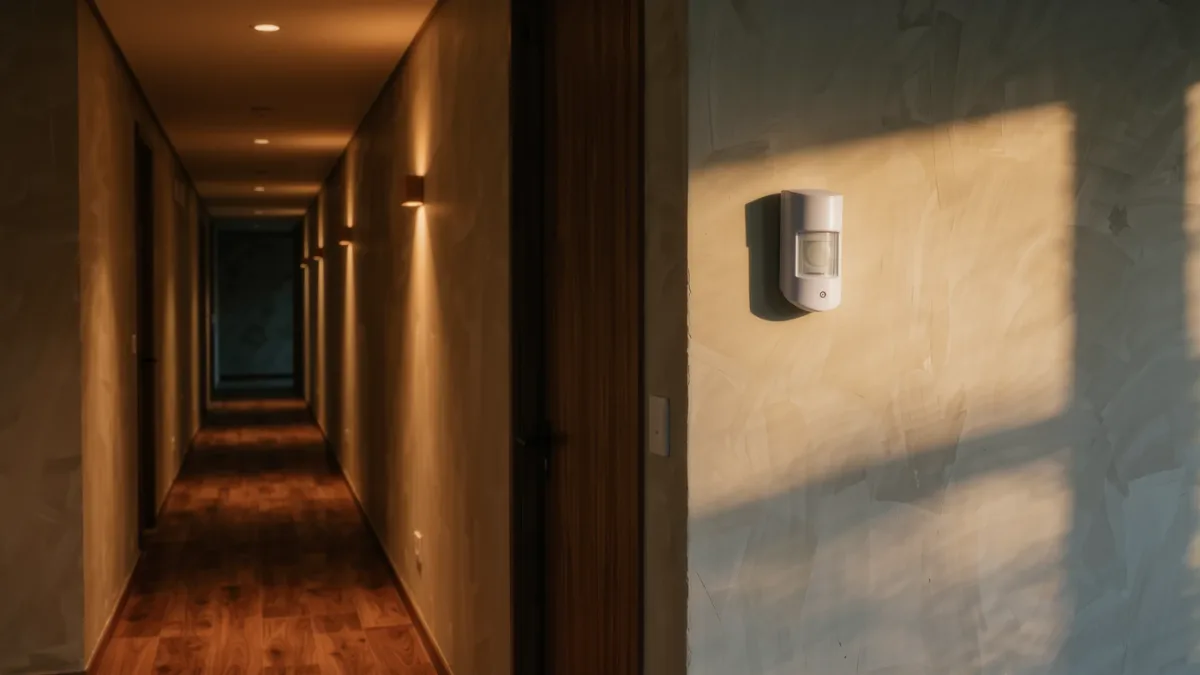
The recipe that works in nearly every home: a motion sensor in each hallway, bathroom and laundry room, set to turn lights on only when it's dark, plus a sunset-to-bedtime schedule for the rooms you actually live in. The catch — and it's the one that sends people back to dumb switches — is the "only when dark" condition. Skip it and every midnight trip to the kitchen becomes a floodlight experience.
What do you need to buy?
Any of the three documented paths works: motion sensors tied to a platform (Philips Hue motion sensor, ~$45 with the Hue bridge requirement), Matter-certified sensors with a hub like Apple Home or Google Home, or budget sensors from third parties (TP-Link Tapo, Govee) running on their own apps. The documented differences are bridge requirements and whether automations keep working locally when the internet drops — Hue and Matter hubs document local execution; pure-cloud budget brands document cloud dependence.
How do you set the dark condition?
Every platform documents a condition clause for motion automations:
- Apple Home: Automation → choose sensor → "Turn On" → add condition "Time is between sunset and sunrise" or a light-level reading from the sensor itself.
- Google Home: Routine → starter "Motion detected" → add condition "It's dark out."
- Amazon Alexa: Routine → When motion detected → add condition "Dark" (available on supported sensors).
- Philips Hue app: Automate → Motion → set daylight sensitivity with the slider so the sensor ignores daytime motion.
Set the off-timer between 2 and 5 minutes for pass-through spaces, 15 minutes for bathrooms and kitchens — shorter timers waste cycles; longer ones waste light.
How do schedules fit in?
Schedules are the boring half that does most of the work: porch light on at sunset, off at sunrise (every platform documents an astronomical trigger, so it follows the seasons automatically); living-room lamps on 30 minutes before sunset at 40 percent brightness; everything off at your usual bedtime as a backstop. Two rules from experience documented across all three platforms' guides: never schedule a light someone might be reading under to auto-off, and always leave one manual override switch in reach.
Where do sensors physically go?
- Hallways: low enough to catch pets' heat? No — mount at adult chest height and angled away from the floor to ignore the dog; PIR sensors detect heat-in-motion, and floor-level mounting catches every tail.
- Bathrooms: sensor outside the door aiming along the hallway, not inside, so a still shower doesn't plunge you into darkness mid-lather.
- Garages and laundry: any height, long timer — arms are usually full.
What breaks, and how do you fix it?
The documented failure modes: batteries (expect 6–24 months; sensors chirp in the app, not audibly), automations silently disabled after app updates (check the automations list after every major app update), and dual-cause confusion where a schedule overrides a motion event (platforms resolve conflicts last-trigger-wins). If lights misbehave, the universal debug is the automation history view each app documents — it names which routine fired.
The verdict
Start with two sensors — hallway and bathroom — and one sunset schedule for the porch. That's an evening of setup, roughly $50–90 depending on platform, and it removes the two most-repeated light switches in the house. Expand only where you notice yourself flipping switches; smart lighting that requires more taps than it saves is a downgrade.