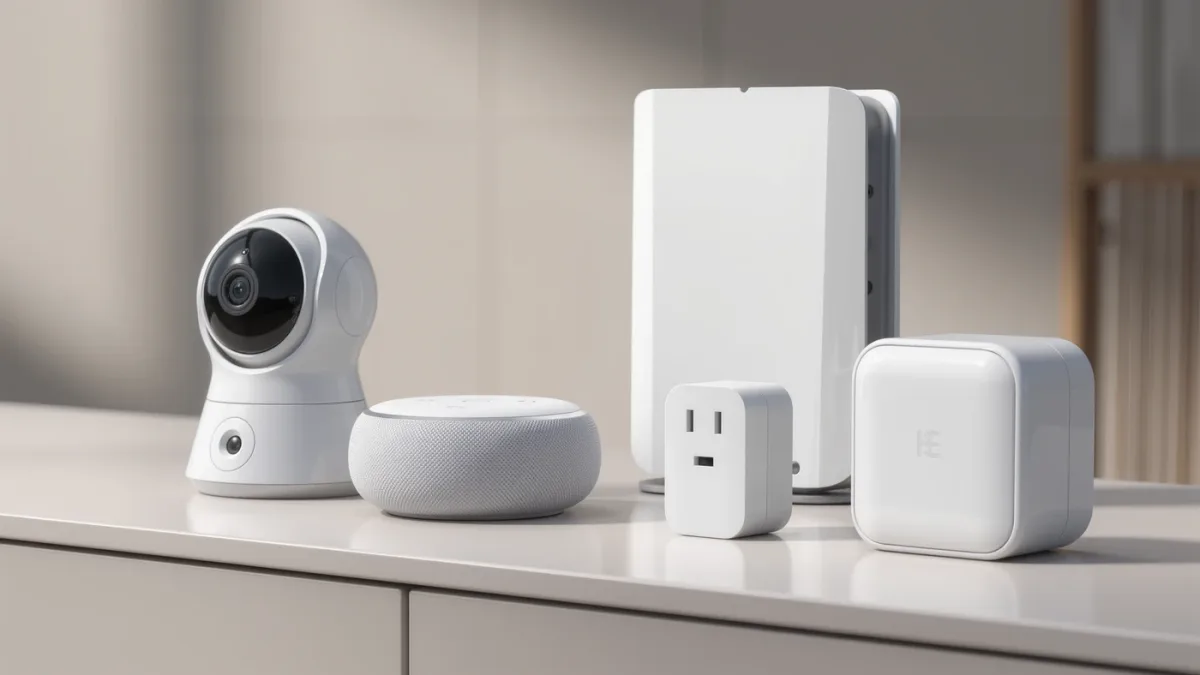

A mesh Wi-Fi system and a smart home hub are not competitors. A mesh system spreads your internet connection across a house so every room gets a strong signal. A hub is a separate box that speaks low-power languages like Zigbee, Z-Wave, or Thread so battery sensors and switches can join your smart home without draining themselves or clogging your router. You need mesh Wi-Fi if your house has dead zones or a lot of video streaming devices. You need a hub once you own more than a handful of battery-powered sensors, locks, or switches that don't run on Wi-Fi directly.
The confusion is fair. Some products now do both jobs in one box, and the marketing rarely explains which function you're actually paying for. This piece breaks down what each system does on its own, where they overlap, and how to figure out which one solves the problem you actually have.
What does a mesh Wi-Fi system actually fix?
Mesh Wi-Fi solves one problem: weak or uneven wireless coverage. Instead of one router broadcasting from a single spot, a mesh system uses multiple nodes placed around the house that hand your phone or laptop off between them as you move. According to HomeTechTool, Wi-Fi devices connect directly to your router, and that setup is easy to understand but has hidden limits: too many always-on devices can reduce stability, especially on older or weaker networking gear.
That's the case for mesh. If your cameras buffer, your doorbell drops calls, or the back bedroom never gets a signal, more access points fix that. Mesh systems are built to carry bandwidth-heavy devices well. According to HomeTechTool, Wi-Fi is the right pick for cameras, doorbells, streaming devices, and anything high-bandwidth, and it's also the simplest starting point if you're only adding a few plugs or lights.
What mesh Wi-Fi does not fix is battery life or crowding at scale. Wi-Fi radios are power-hungry compared to the alternatives, which is one reason so many sensors don't use Wi-Fi at all.
What does a smart home hub actually do?
A hub is a small device, often plugged into your router, that translates between your phone app and low-power protocols your router can't speak. According to Nalite Smart, smart switches on a hub system do not connect directly to Wi-Fi. Instead they talk to the hub using something like Zigbee, Z-Wave, or Thread, and the hub then relays that traffic to the internet.
The payoff is real. Nalite Smart notes that hub-based protocols are optimized for smart homes, so they tend to run with high stability and low latency, and they typically support local automation that keeps working even if the internet goes down. Battery-powered Zigbee and Z-Wave devices can also last years without a battery change, according to the same source, because those protocols were built for low power draw rather than raw speed.
Hubs also solve a compatibility problem mesh routers can't touch. According to Nalite Smart, hub protocols are designed so that compliant Zigbee or Z-Wave devices can interoperate through compatible hubs, letting one platform manage gear from several different brands. That's the opposite of buying five different apps for five different brands of sensor.
Where the two actually overlap
Here's where it gets genuinely confusing: some products are both a mesh router and a smart home hub in a single box. According to a MacRumors Forums report on Samsung's SmartThings Wi-Fi launch, that device combined mesh networking hardware with a SmartThings smart home hub, letting one system extend Wi-Fi coverage around the house while also managing SmartThings-compatible plugs, switches, cameras, and doorbells from other brands. Samsung also sold a standalone SmartThings Hub separately, for people who already had a router and didn't need the mesh piece, according to the same report.
This combo approach is convenient if you're starting from nothing. It's a worse deal if you already own a mesh system you like, because you'd be paying for router hardware you don't need just to get the hub function bundled in. Read the box carefully: "smart home hub" and "mesh Wi-Fi router" are two separate feature claims, even when they ship in one enclosure.
There's also a third overlap point worth knowing about: Thread. According to HomeTechTool, Thread is an IP-based mesh protocol designed to work with the Matter standard, but it needs a Thread Border Router to bridge the Thread mesh to your main network. Many current smart speakers and hubs can act as that border router, which means a device you already own for voice control might quietly be doing hub-adjacent work. If you want the setup steps for that pairing, see How to Set Up Matter and Thread in Your Home, Step by Step.
How do you decide which one you actually need?
Start with what's failing right now, not with what a product page recommends.
- Buffering video, dead zones, weak signal in back rooms: that's a coverage problem. Mesh Wi-Fi fixes it. A hub does nothing for this.
- Sensors dropping offline, batteries dying fast, a growing pile of single-brand apps: that's a protocol problem. A hub fixes it. A better router does not.
- Starting from zero with two or three devices: HomeTechTool's guidance is direct here — starting small with a few plugs or lights is a case where plain Wi-Fi devices and no hub at all is the simplest path.
- Building toward a real system with locks, sensors, and multiple brands: a hub becomes worth the extra box, because it's the layer that lets those brands cooperate.
The catch nobody mentions upfront: a hub adds a dependency. If the hub loses power or crashes, everything routed through it goes quiet, even if your Wi-Fi is fine. That's a trade-off, not a flaw, but it's worth knowing before you build automations that assume the hub is always there. If a device keeps dropping off your network regardless of which system it's on, the troubleshooting steps in How to Fix a Smart Home Device That Keeps Going Offline cover the common causes.
What this means for your next purchase
If your problem is coverage, buy mesh Wi-Fi and stop there. If your problem is a growing collection of sensors, switches, or locks that don't play well together, a hub is the piece that's missing, not a router upgrade. If you're setting up a house from scratch, a combo device removes a step, but check whether you're already covered on one side before paying for both.
Matter is starting to blur these lines further by giving devices a shared language regardless of which network carries them. For the broader context on what that standard changes and doesn't change, see What Matter Actually Does for Your Smart Home, Explained. None of the sources here settled every edge case — pricing on current combo devices and long-term battery figures for Thread specifically weren't part of the supplied material, so treat product-specific numbers as something to confirm on the current spec sheet before buying.