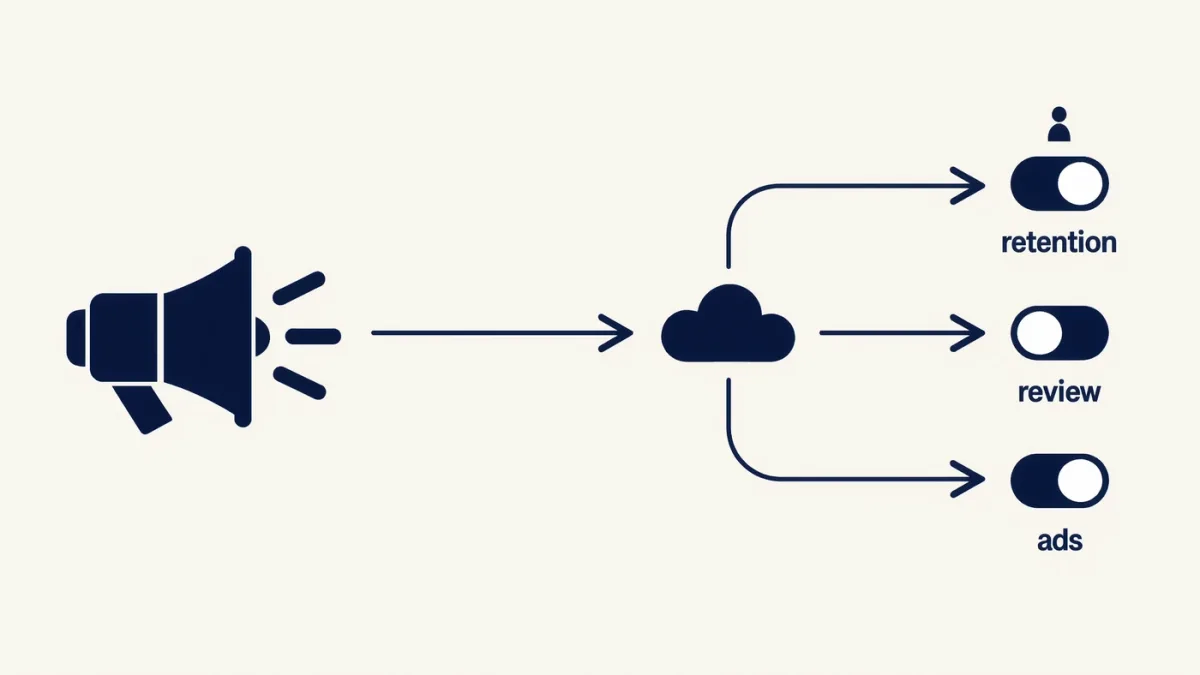
The honest physics first: a smart speaker always listens for its wake word — that's local processing it can't do without — but it records nothing for the cloud until it hears "Alexa," "Hey Google" or "Siri." What you can control, per each platform's documented settings: delete everything already recorded, stop humans reviewing your clips, disable recordings being saved at all, and mute the mic physically whenever you choose. The catch: voice-history deletion also degrades each assistant's accuracy for you — the documented trade of privacy for personalization.
What does each platform document?
- Amazon Alexa: Settings → Alexa Privacy — voice history deletion (manual, or auto-delete every 3/18 months), a documented "Don't save recordings" option (answers requests without storing audio), and opt-out of voice-review-for-research. The physical mic-mute button disables listening entirely until re-enabled.
- Google Assistant: myactivity.google.com or the Home app — voice-and-audio activity deletable or auto-deleted after 3/18/36 months; Google documents stopping saving outright. Mic mute sits on the speaker's back.
- Apple HomePod/Siri: Settings → Siri (or Home app) — delete Siri history per device; Apple documents that Siri audio "is not retained" by default on modern OS versions, with opt-in improvement programs off by default. Tapping the top mutes the mic.
How do you delete everything today?
- Alexa: Alexa app → More → Activity → Voice History → filter by all time, all devices → delete.
- Google: Home app → your profile → My Activity → delete voice activity, then set auto-delete to 3 months.
- Apple: Settings → Siri → Siri History → Delete, per HomePod.
Then flip the retention settings — "don't save" / auto-delete — so future commands don't accumulate by default.
What about false wakes?
Documented reality: wake words mis-trigger on TV dialogue and similar-sounding phrases, which is how stray audio becomes recordings. Mitigations: change the wake word where the platform allows (Alexa documents alternatives), position speakers away from TVs, and check the voice history periodically — false wakes are visible there, and each entry is deletable. The mic-mute habit during sensitive conversations is the documented zero-tech solution that always works.
Do you have to give up the speaker?
No — the middle path works: retention off, review off, mic-mute routine, periodic history audit. The stricter path is dropping the always-listening speaker for push-to-talk devices (phone assistants, remote buttons) where listening is physically intermittent. What you can't have is a speaker that never listens and still answers — anyone selling that is selling a mute button.
The verdict
Fifteen minutes in each settings app: delete history, stop saving, opt out of review, know where the mute button is. Privacy here is a settings posture, not a product — and every platform documents the knobs.