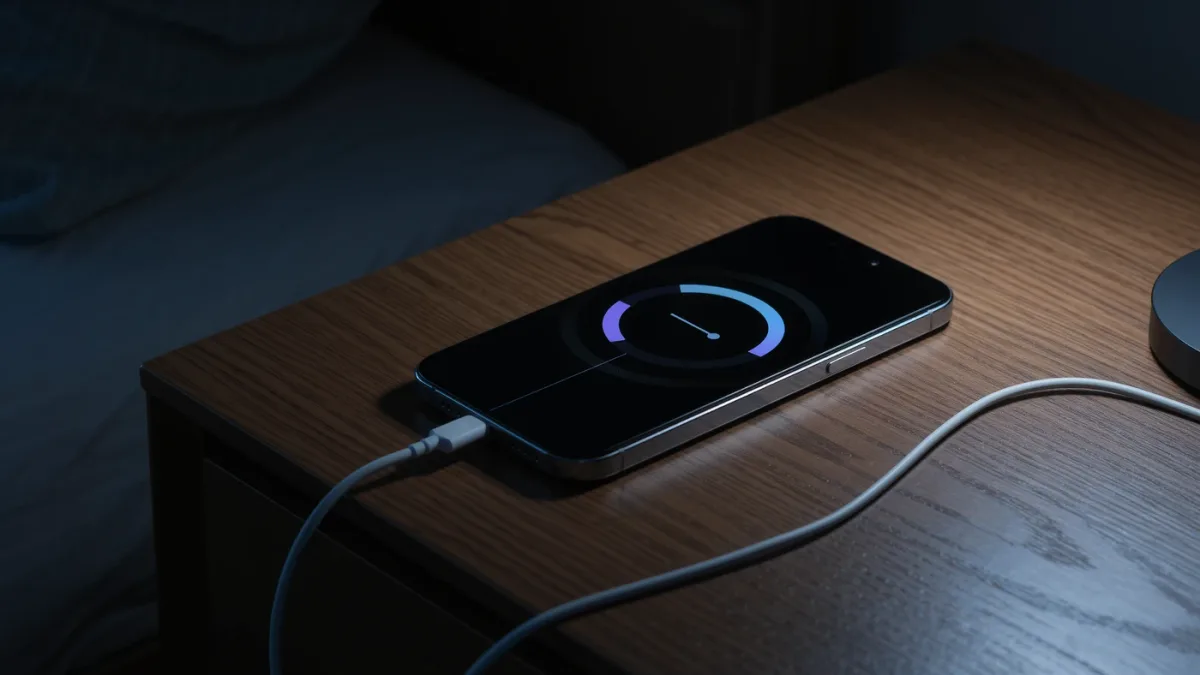
Lithium-ion batteries degrade by documented, well-understood chemistry: heat accelerates it, sitting at 100 percent stresses it, deep 0-to-100 cycles spend it. The habits that measurably extend lifespan: keep the phone out of hot cars and off sunny dashboards while charging, enable your phone's documented charge-limit feature (80 percent caps on iPhones, Samsung, Pixels and others), and charge opportunistically between 20 and 80 rather than running marathon cycles. The catch that disappoints everyone: these habits stretch lifespan by tens of percent, not forever — chemistry still wins by year three.
What does each platform document?
- iPhone (iOS 17+ on iPhone 15 and later): the 80-percent charge limit option, plus documented optimized charging that learns your routine and pauses at 80 percent until before you wake.
- Samsung: documented "Protect battery" (85-percent cap) and battery-information settings on recent models.
- Pixel: documented 80-percent limit and charging optimization on recent models.
- Health readout: every platform documents the Settings battery-health percentage — the number that tells you how the habits are working, checked quarterly at most.
Which habits actually matter — ranked?
- Heat: the documented accelerator of everything bad — charging in a hot car, gaming while fast-charging under a pillow, or a case that traps heat does more damage than any charging pattern. Remove the case when slow-charging overnight if the phone runs warm.
- The 100-percent sit: hours at full charge stress the cells — the reason every maker now documents a cap feature. Enable one; the 15–20 percent of capacity you lose daily is buffer you rarely use.
- Deep discharge avoidance: routine 0-percent runs stress the battery too; opportunistic top-ups are gentler than marathons.
- Storage: a documented special case — store devices at ~50 percent, powered off, cool. Phones in drawers at 100 percent or 0 are documenting their own decline.
What about wireless and fast charging?
Both generate heat — the enemy above. Documented reality: modern fast-charge systems manage temperatures actively, and wireless pads throttle when warm. Neither is a battery crisis; both are reasons to prefer overnight slow charging when convenient, since seven-watt-hours overnight is the gentlest documented fill.
What's the overlooked detail?
The health percentage you're preserving has a documented consumer value: replacement pricing runs $49–99 at makers' documented rates — often a better year-three decision than a new phone, and battery health below 80 percent is the documented trigger to consider it. The habits above postpone that decision; they don't cancel it.
The verdict
Cap at 80, avoid heat, top up rather than marathon, store at half. Four habits, all free, all documented by the phone makers themselves. What the sources do not support: battery "calibration" rituals, third-party "optimizer" apps, and freezing phones — folklore, with the freezer documented as the opposite of help.