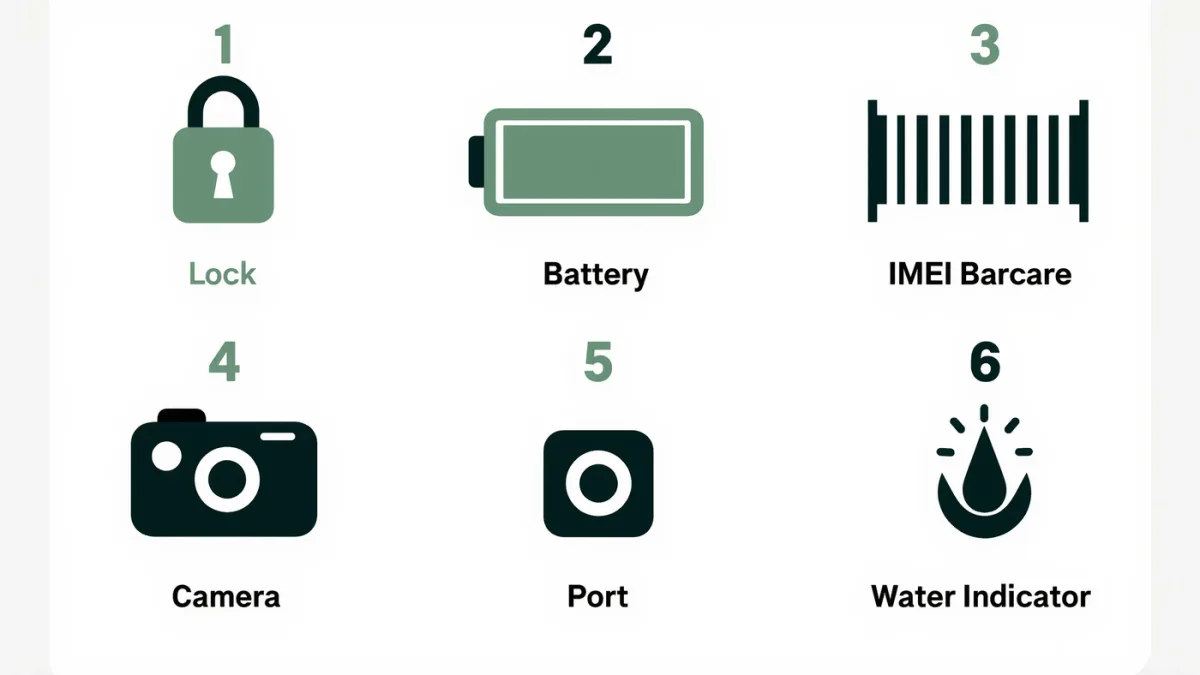
Before money changes hands, run three checks in order: Activation Lock removed (Settings → Apple ID signed out, or the seller demonstrates Find My off), battery health visible in Settings → Battery (below ~80 percent means a $89-plus Apple battery service in your future), and the IMEI verified clean — checkstatus pages at carriers and Apple's own coverage checker document whether it's blacklisted or carrier-locked. The catch: only the first check bricks the phone permanently; the other two just cost money you should subtract from the price.
Why is Activation Lock the dealbreaker?
Apple documents Activation Lock as an anti-theft feature tied to the seller's Apple ID: a phone still locked to the previous owner cannot be activated by anyone, ever, without that owner removing it from their account. There is no documented workaround — Apple support will not bypass it without proof of original purchase. So the rule at any in-person sale: watch the seller sign out (Settings → General → Transfer or Reset → Erase All Content and Settings does it in one documented flow) and walk away from "I'll remove it later."
The full in-person checklist
- Sign-out witnessed: the erase flow above; the phone should land on the setup wizard's Hello screen.
- Battery health: Settings → Battery → Battery Health — Apple documents the percentage against design capacity; under 80% is "service" territory.
- IMEI/serial: dial *#06# or check Settings → General → About; run it through Apple's coverage page and a carrier blacklist checker — documented, free, both.
- iCloud and carrier locks: Apple's coverage page shows carrier-lock status; unlocked phones cost more and are worth it.
- Hardware pass: all buttons, both cameras, speaker and mic (record a video and play it back), Face ID enrollment test, Wi-Fi and cellular data connection, charging port.
- Water indicator: the SIM slot's documented indicator strip — red means it went swimming.
Which models hold up in 2026?
Update-support reality: Apple's documented track record gives recent iPhones roughly 6–7 years of iOS updates. A used iPhone 13–15 buys years of runway; anything iPhone 11-class or older runs iOS 26's redesign but misses the intelligence features and has less documented update road ahead — price it accordingly. Battery: older phones rarely retain their first battery; factor an $89 Apple battery service (documented pricing for recent models) into any offer.
Where to buy matters
- Apple Certified Refurbished / Apple trade-in partners: documented warranty, new battery — the safe premium.
- Reputable refurbishers: documented grading (look for the refurbisher's warranty terms in writing).
- Peer-to-peer marketplaces: best prices, all the checks above mandatory, meet somewhere public, and documented advice everywhere: if the price looks impossible, the Activation Lock is probably still on.
The verdict
Three checks — lock, battery, IMEI — then the hardware pass. Used iPhones are the documented value play in phones; used-and-locked iPhones are the documented trap. Five minutes of Settings menus tells you which one you're holding.