A NAS makes home backups automatic. Install Synology's Hyper Backup package on DSM 7.2, pick the folders that matter, and the box saves versioned copies on a schedule, with up to 65,535 retained versions per Synology's spec sheet. The catch: the box alone is not the plan. The 3-2-1 rule Backblaze documents wants one copy off-site, and that usually means a cloud subscription.
Everything below traces to three documents: Synology's Hyper Backup technical specifications for DSM 7.2, Backblaze's May 2024 explainer of the 3-2-1 rule, and StorageReview's August 2023 review of Synology's two-bay DS224+. Hard drives are sold separately, and none of the sources prices them. For related coverage, see How to Set Up a New iPhone and Transfer Everything From Your Old One.
What Counts as a Backup, per the 3-2-1 Rule?
Three copies of your data, on two different media, with one copy off-site — that is the whole rule, as Backblaze states it in its May 23, 2024 explainer. The original on a laptop is copy one. The NAS holds copy two. The off-site copy, cloud storage or a drive at another address, is copy three.
The threat list is concrete: Backblaze names human error, hard drive crashes, theft, natural disasters, and ransomware as the failures the strategy exists for. One box in one room can lose every copy at once. The off-site leg exists because of that.
What Do You Need Before You Start?
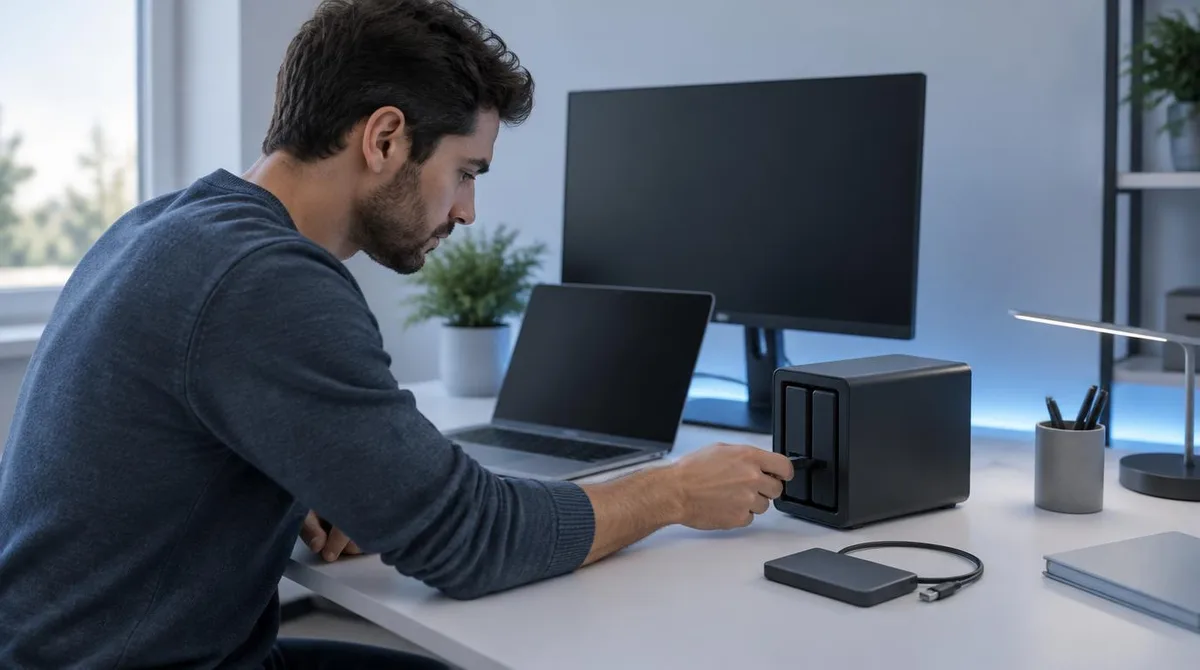
StorageReview's August 2023 review documents the DS224+ as a two-bay unit on an Intel Celeron J4125, with 2 GB of memory expandable to 6 GB, and support for Synology Hybrid RAID, Basic, JBOD, RAID 0, and RAID 1. The NAS listed at $299.99 as of that August 2023 review, with a two-year warranty. Drives cost extra.
Pick two matching drives and a mirrored layout, RAID 1 or Hybrid RAID. A mirror is not a backup. Backblaze counts human error among the failures the rule hedges, and a mirror duplicates a deletion just as fast as a save. Treat the NAS as copy two, not as the whole plan.
How Do You Set Up Hyper Backup in DSM 7.2?
The steps below follow Synology's DSM 7.2 documentation; menu names can shift on newer 7.x releases.
- 1. Install Hyper Backup from Package Center. Synology's spec sheet lists it as a standard DSM application component.
- 2. Create a task and pick a destination: a local shared folder, an external device, a remote Synology NAS or rsync server, or a public cloud service. The spec names Synology C2 Storage, Dropbox, Google Drive, Microsoft Azure, and S3-compatible destinations.
- 3. Choose what to protect: folders, files, packages, LUNs, or the entire system.
- 4. Set the schedule. Synology calls it a flexible backup schedule, built for different needs.
- 5. Set version rotation. Up to 65,535 versions are retained, with a policy that deletes old ones automatically; Smart Recycle keeps the earliest version from each hour, day, and week.
- 6. Turn on client-side encryption, AES-256 with ECC Curve25519 per the spec sheet, before the first run.
- 7. Run the task, then test a restore. The documentation covers retrieving data from various points in time and restoring it to different destinations.
What Is the Security Catch?
A backup box that answers the open internet is a target, and ransomware sits on Backblaze's failure list. Synology's documented answer is client-side encryption: the spec sheet states data is encrypted on the NAS with AES-256 before it travels, so a cloud copy stays unreadable without the key.
Read the limitations too. The spec sheet notes that external devices such as USB flash drives are not supported as backup sources, and only one task per backup source runs at a time. Plan the schedule around both.
Conclusion: One Evening of Setup, Then the Off-Site Habit
On the documented evidence, Hyper Backup on DSM 7.2 handles the automated, versioned, encrypted local leg of a home backup plan, and the 3-2-1 rule decides the rest: add a cloud destination or a remote NAS for the off-site copy. A two-Synology household or a C2 subscriber fits the documented path directly; on a budget, a scheduled external-drive copy plus cloud storage gets to the same three copies. The DS224+ price is $299.99 as of August 2023, first-boot hardware setup is not documented by these sources, so check current listings and the maker's support pages before buying. This connects to our earlier piece, Does Matter Need a Hub? Here's What the Smart Home Standard Actually Requires.