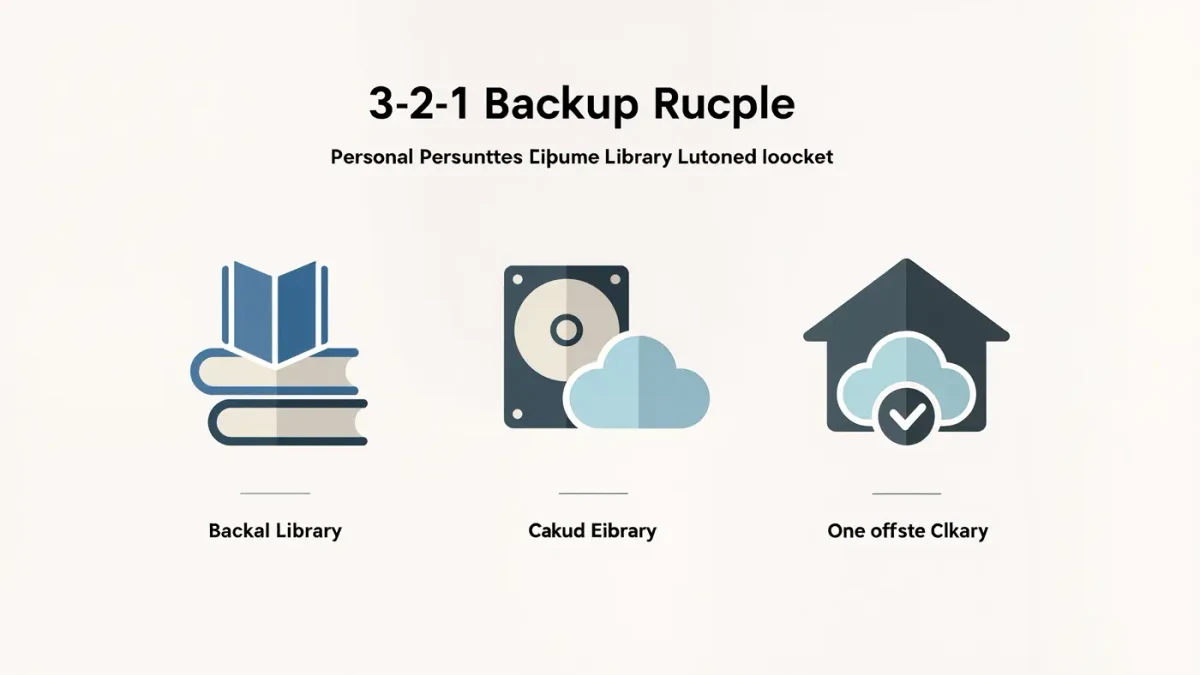
The documented best practice is 3-2-1 — three copies of important data, on two different media, one offsite — and modern tools automate it almost entirely. The working setup for most households: phone → automatic cloud backup (covered in our cloud guide), computer → automatic cloud sync plus a local external drive, and a quarterly test-restore that turns hope into a backup. The catch: sync is not backup — a file deleted or encrypted by ransomware syncs its deletion everywhere unless your tool documents version history; that difference is the whole game.
What does each layer do?
| Layer | Documented tools | Protects against | Doesn't protect against |
|---|---|---|---|
| Cloud sync (computers) | iCloud Drive, OneDrive, Dropbox, Google Drive | Device loss, damage | Synced deletions without version history; account compromise without 2FA |
| Cloud backup (machines) | Backblaze, Carbonite, Apple Time Machine-to-cloud alternatives | Full-disk loss, versions retained | Immediate restore speed (days for huge sets) |
| Local drive | Time Machine (Mac), File History (Windows), external SSD | Fast full restores, works offline | Fire, theft — the reason it's not the only copy |
| Phone backup | iCloud Backup / Google One | Lost phone, migration | The documented gaps: authenticators, some app data |
The setup evening
- Phone: automatic cloud backup on (both platforms document it); verify the last-backup timestamp.
- Computer cloud layer: pick one service, move working files into it, enable version history where documented (all the majors document it — check retention length).
- Computer local layer: plug in an external SSD, enable Time Machine (Settings → General → Time Machine) or File History (Windows settings), let the first complete backup run overnight.
- Verification: once now and quarterly — restore one file from cloud and one from the local drive. The documented habit that separates backups from wishful thinking.
What does "sync is not backup" mean in practice?
Sync replicates current state: delete a file by accident and sync deletes it from the cloud copy too — your recovery is version history, which every major service documents but with different retention windows (30 days typical; some paid tiers longer). Ransomware is the aggressive version: it encrypts files, sync uploads the encrypted state. Backups with versioned retention and an offline/local copy are the documented defense — which is exactly why the 3-2-1 shape has survived decades unchanged.
What's the overlooked detail?
Where the local drive lives. A Time Machine drive always plugged into the same desk as the computer dies in the same surge, theft or pipe-burst — the documented improvement is unplugging it between backups or keeping it elsewhere between sessions. Two cheap habits — quarterly restore tests, drive rotation — cost nothing and cover the failure modes the software can't.
The verdict
Cloud automatic, local overnight, quarterly restore test. One evening to set up, ten minutes a quarter to verify. What no source establishes: a painless recovery from data that existed in only one place — that's the thing the whole setup exists to prevent.