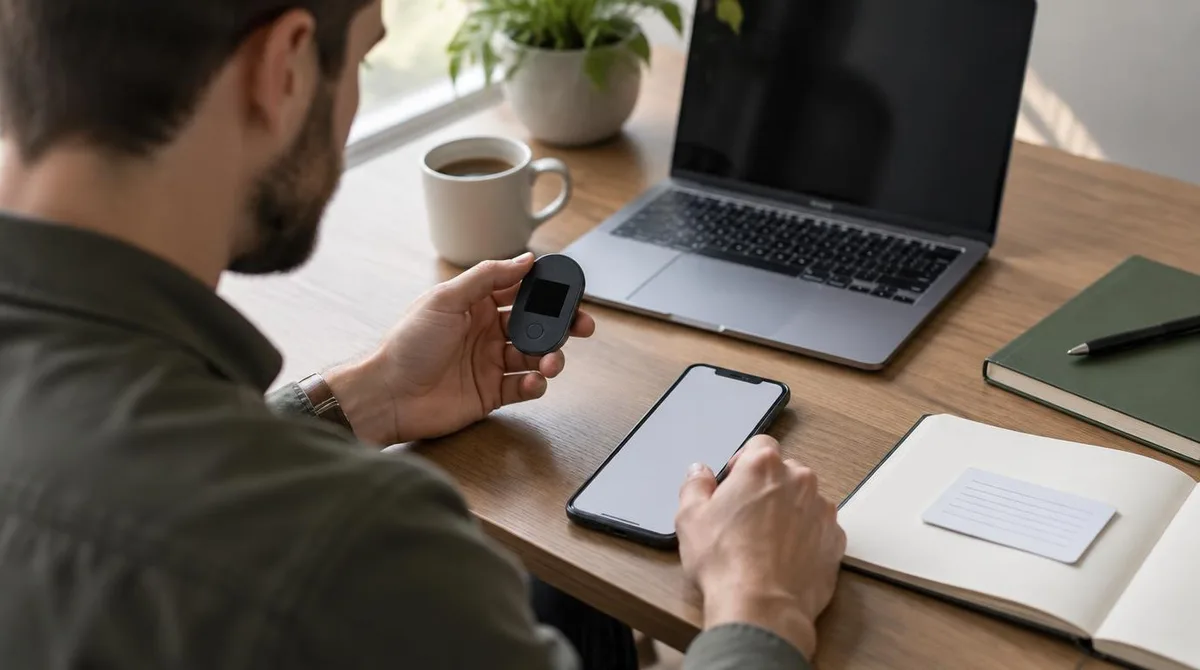
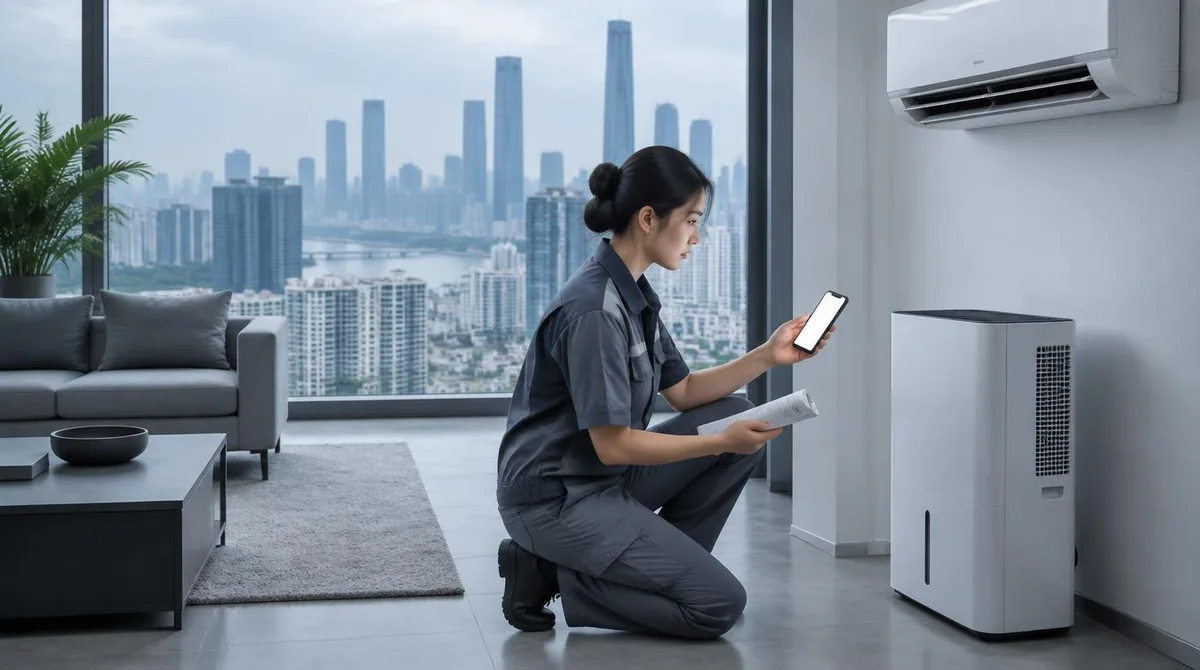
You can run most Midea appliances from your phone: the company's app handles remote control, scheduling, and status checks for its air conditioners, dehumidifiers, dishwashers, and refrigerators. The catch is that you're signing up for one more account, and the app only covers gear Midea connected in the first place. A basic appliance with no Wi-Fi module stays exactly as dumb as it was on the showroom floor.
It helps to know who you're dealing with. Midea Group is a Chinese appliance manufacturer founded in 1968, headquartered in Foshan, Guangdong, and listed on the Shenzhen Stock Exchange since 2013. It's one of the largest appliance makers in the world, and it builds everything from window air conditioners to microwave ovens, plus a lot of gear sold under other brands.
This guide walks through what the app actually does, what you need before pairing, and the scheduling features worth setting up on day one. If you're new to connected appliances altogether, our Smarthome section covers the wider ecosystem, including what happens when a device stops responding after an update. This connects to our earlier piece, Smart Home Hub vs Mesh Wi-Fi: Which One You Actually Need.
What can the Midea app actually control?
The app's reach depends on which Midea products you own. The company's connected lineup spans several categories, and Midea's own US site groups them accordingly: air treatment (air conditioners and dehumidifiers), kitchen appliances, laundry, and refrigeration. Owner reviews on Midea's US site repeatedly mention remote control, Bluetooth, and Google Assistant support on its air conditioners, which tells you the app sits alongside voice control rather than replacing it.
In practice, that means the app is most useful for climate gear. An air conditioner you can start from the couch, or a dehumidifier you can check from the office, is a genuine upgrade. A connected refrigerator mostly gives you status information and temperature adjustments, which is nice but less dramatic.
Before you buy, check the specific model's box or spec sheet for Wi-Fi or app support. Midea sells both connected and non-connected versions of similar-looking products, and the difference is usually a small badge on the packaging, not a price gap you'd notice at a glance.
What do you need before you start pairing?
Three things, and the third one trips people up:
- A Wi-Fi network on 2.4 GHz. Most connected appliances, Midea's included, pair over the 2.4 GHz band. If your router merges both bands under one network name, that's usually fine, but a 5 GHz-only network will block pairing. Our guide to hubs versus mesh Wi-Fi explains why band matters for smart devices.
- The appliance in pairing mode. The exact button or menu varies by product type. An air conditioner typically uses a dedicated Wi-Fi button or a remote-control combo; a dehumidifier may need a few seconds' hold on a control-panel button. Follow the manual for your exact model rather than a generic walkthrough.
- An account in the app. Yes, another app account, sorry. Email registration is standard, and you'll want the appliance's serial or model number handy, since registering the product is how warranty support finds you later.
Midea's support center on its US site offers product-specific setup, use, and care answers, plus a product registration step. That registration is worth the minute it takes: it's the documented path to service if the appliance needs repair down the road.
How does pairing actually work, step by step?
The menus shift between app versions and product lines, so treat this as the general flow and let your manual fill in the model-specific details:
- Download the app and create your account. Confirm the app name on the manual or the box, because appliance makers sometimes run more than one app across product generations.
- Put the appliance in pairing mode. Watch for a blinking Wi-Fi indicator on the unit. A steady light usually means it's already connected to a network, not waiting for one.
- Add the device in the app. The app will ask for your Wi-Fi name and password. Type the password carefully; a wrong password here is the most common reason pairing fails.
- Wait for the connection to confirm. The blinking indicator goes steady, and the appliance appears on the app's home screen with its current status.
- Name the device sensibly. "Basement Dehumidifier" beats "SmartDry 50-Pint 001" when you're adding it to schedules or voice assistants later.
If pairing fails twice in a row, move the appliance closer to the router temporarily, or check that you're not on a guest network with device isolation turned on. Our offline-device troubleshooting guide covers the fixes that apply to almost every connected appliance.
Which scheduling features are worth setting up first?
Once the appliance is paired, three features earn their keep immediately:
- On/off schedules. A dehumidifier that runs only during off-peak hours, or an air conditioner that starts before you get home, is the whole reason you bought the connected version. Set the schedule in the app's device page, not on the appliance's own panel, so the two don't fight each other.
- Remote status checks. Filters, water tanks, and error codes show up in the app. Catching a full dehumidifier tank from your phone beats finding a puddle on the basement floor.
- Voice control. Where the product supports it, linking the app to Google Assistant or Alexa lets you start the AC without opening anything. The app account acts as the bridge, so keep the login details somewhere you'll remember.
One habit worth building: after any app update, open it once and confirm your schedules survived. Appliance apps update less often than phone apps, but when they do, a schedule can quietly reset. That failure mode isn't unique to Midea; it's the same reason a smart lock can stop working after an update. For related coverage, see Why Your Smart Lock Stopped Working After an Update.
Does Midea's ecosystem play well with others?
Here's the honest picture. Midea is a huge company, and its scale reaches further than most shoppers realize. Beyond its own brand, the group has acquired other appliance businesses over the years, including Toshiba's home appliances line and the Eureka floor-care brand, according to Wikipedia's company history. The company's own corporate site describes it as a global technology group spanning smart home, building technologies, robotics, and other segments, serving users across more than 200 countries and regions.
Scale doesn't guarantee openness, though. Connected appliances from big manufacturers tend to live inside their own apps first and support third-party standards like Matter later, if at all. Before you assume a Midea appliance will join your existing smart home setup, check the model's documentation for Matter, HomeKit, or Alexa/Google support by name. Our explainer on what Matter actually does covers why that label matters and what it promises.
The practical consequence: if your household runs on one voice assistant and Midea supports it, you're fine. If you're building a mixed ecosystem and want everything on one dashboard, a connected appliance that only talks to its own app will be the odd one out.
What this means: who should bother, and who shouldn't
Our analysis, based on what the documented sources establish: the app is worth the setup time for appliances you adjust often or monitor from a distance. Climate gear tops that list. An air conditioner or dehumidifier you can schedule and check remotely delivers real, daily value, and owner feedback on Midea's US site consistently highlights the remote-control and voice-assistant features on those products.
Who should skip it: anyone pairing a connected appliance onto a network they can't troubleshoot, and anyone who expects deep integration with a smart home platform the appliance doesn't officially list. A connected fridge that only reports its own status may not justify the extra app on your phone.
What the sources don't settle: long-term app reliability, subscription requirements, and how quickly Midea patches app bugs are not documented in the material reviewed here. If those questions matter to your purchase, check the current app store listing and the model's manual before you buy, and register the product so support can reach you when something changes.