Smarthome
How to Fix a Smart Home Device That Keeps Going Offline
Ray KowalskiThe documented fix order is signal, power, cloud, firmware — and 80 percent of offline devices come back at step two: the power cycle nobody wants to be the answer.
Cameras, sensors, plugs, locks and hubs tested on a real network.
The documented fix order is signal, power, cloud, firmware — and 80 percent of offline devices come back at step two: the power cycle nobody wants to be the answer.
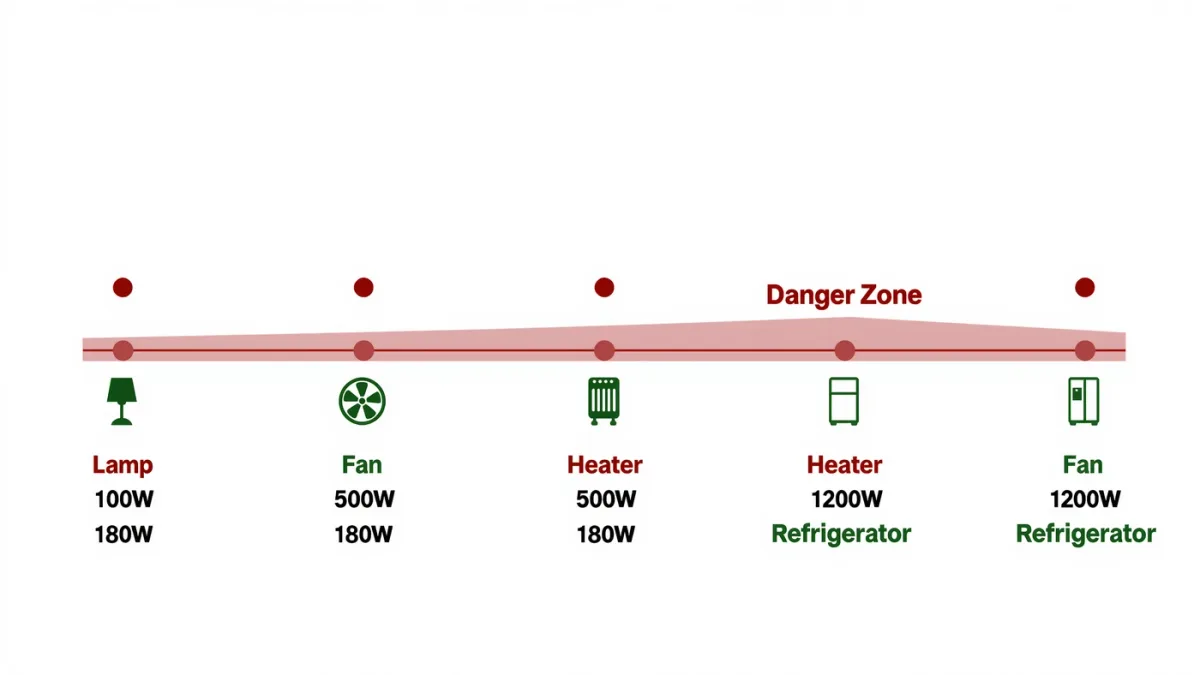
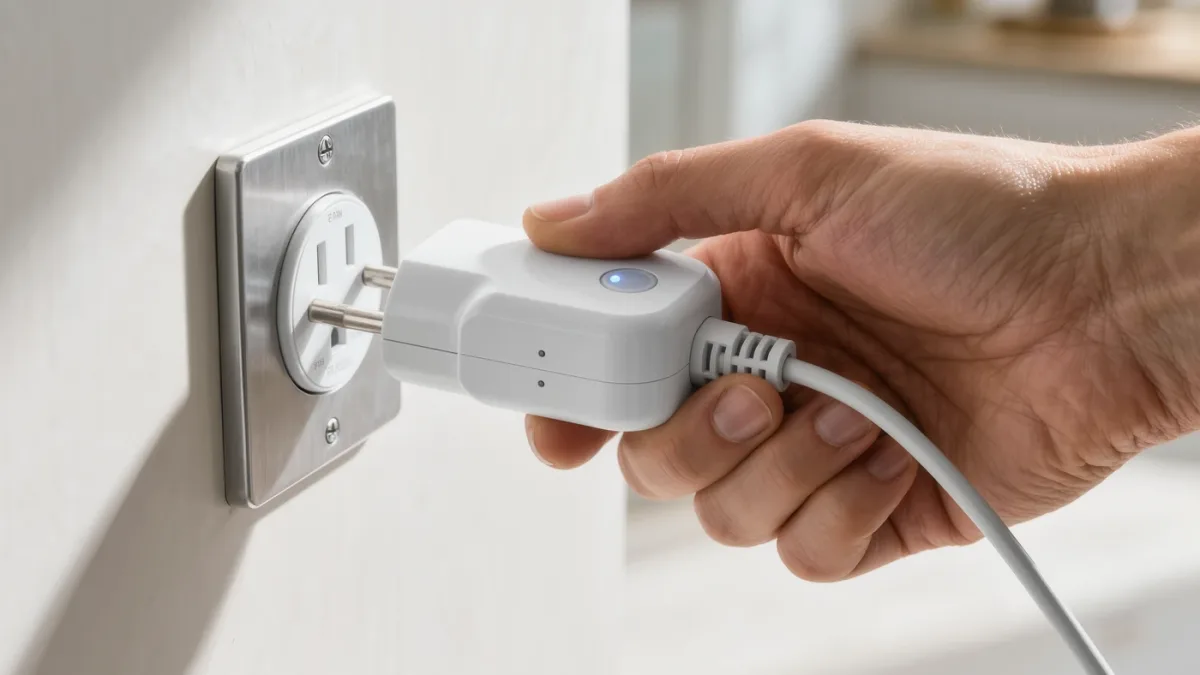
Most smart plugs document a 15-amp ceiling — fine for lamps and fans, fatal for space heaters — and motor appliances need a relay rated for inductive loads.
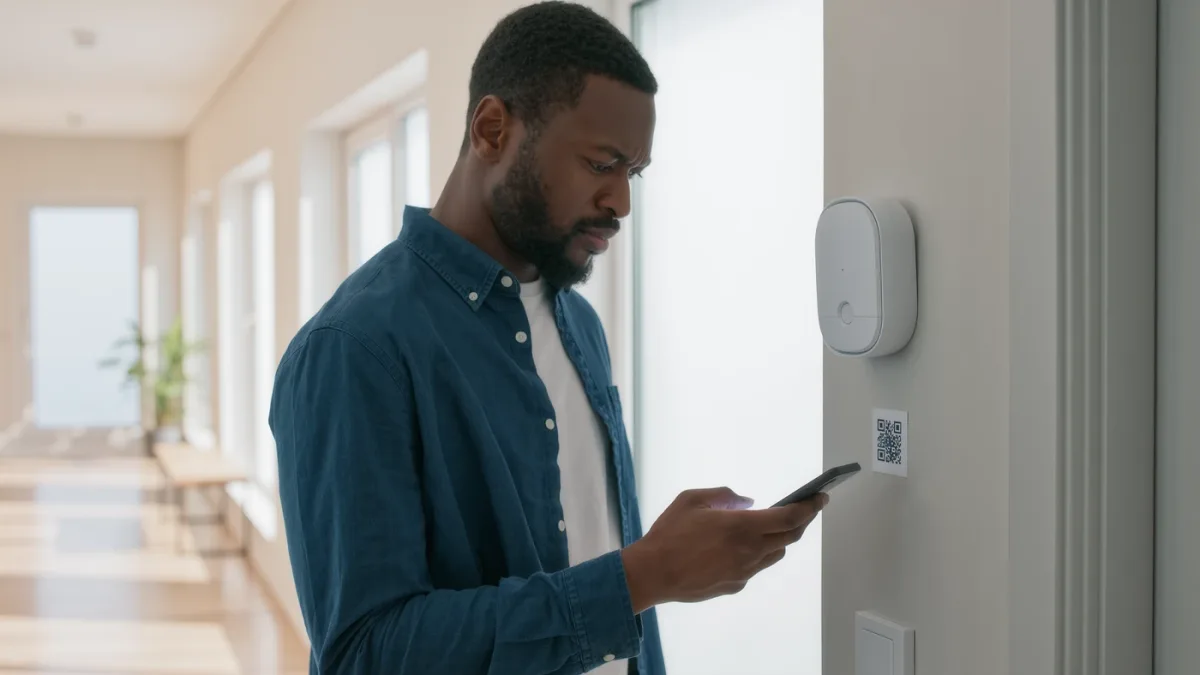
Matter needs two things you may already own — a controller (Apple Home, Google Home, Alexa or SmartThings hub) and a Thread border router — and then setup becomes scanning one QR code.
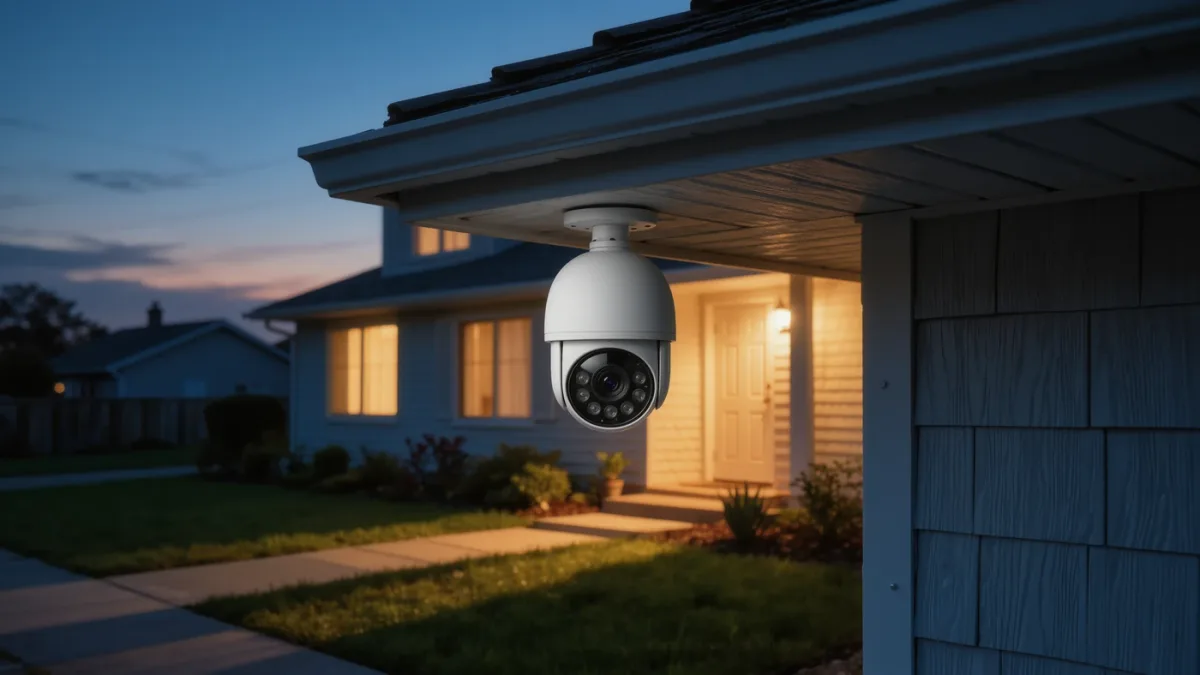
The real decision isn't image quality — it's where footage lives: subscription cloud, local storage, or Apple Home Secure Video's privacy-first model.
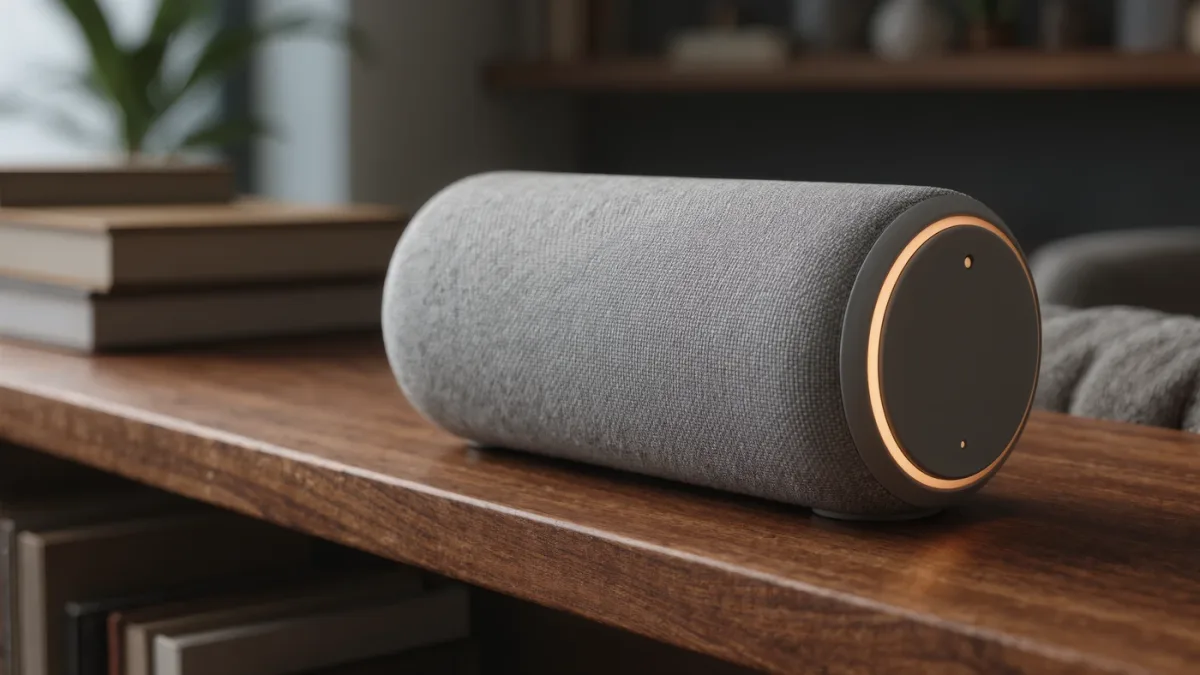
You can't turn off the wake word and keep the assistant — but you can delete the recordings, mute the mic on command, and decide who reviews what, in each platform's documented settings.
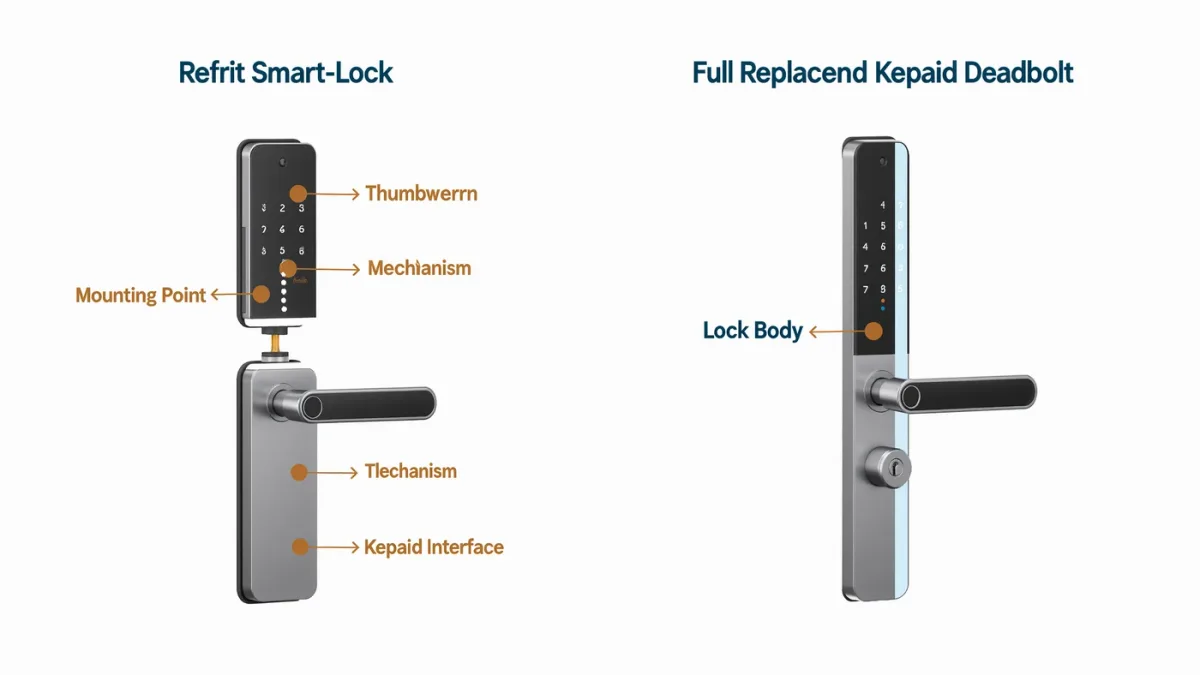
A retrofit smart lock keeps the existing deadbolt and key — renters get smarts without replacing hardware, landlords get codes they can expire remotely.