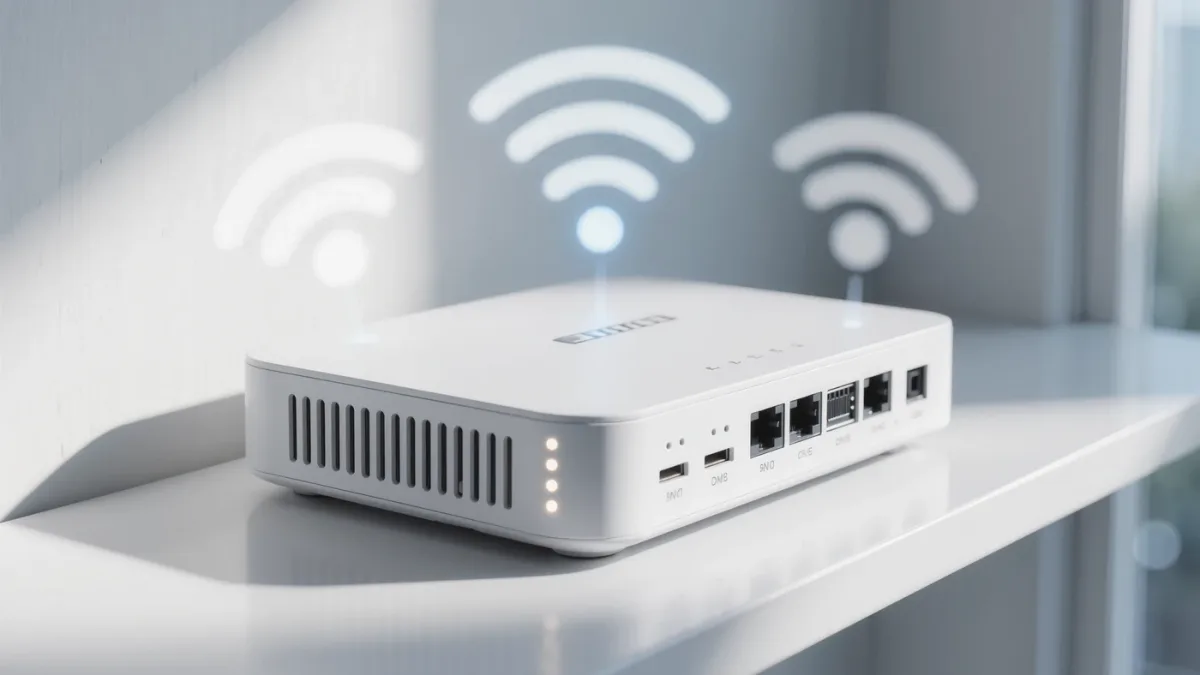
A guest network takes ten minutes in your router's admin page — and it's the documented way to keep visitors off your printer, your camera feeds and your file shares.
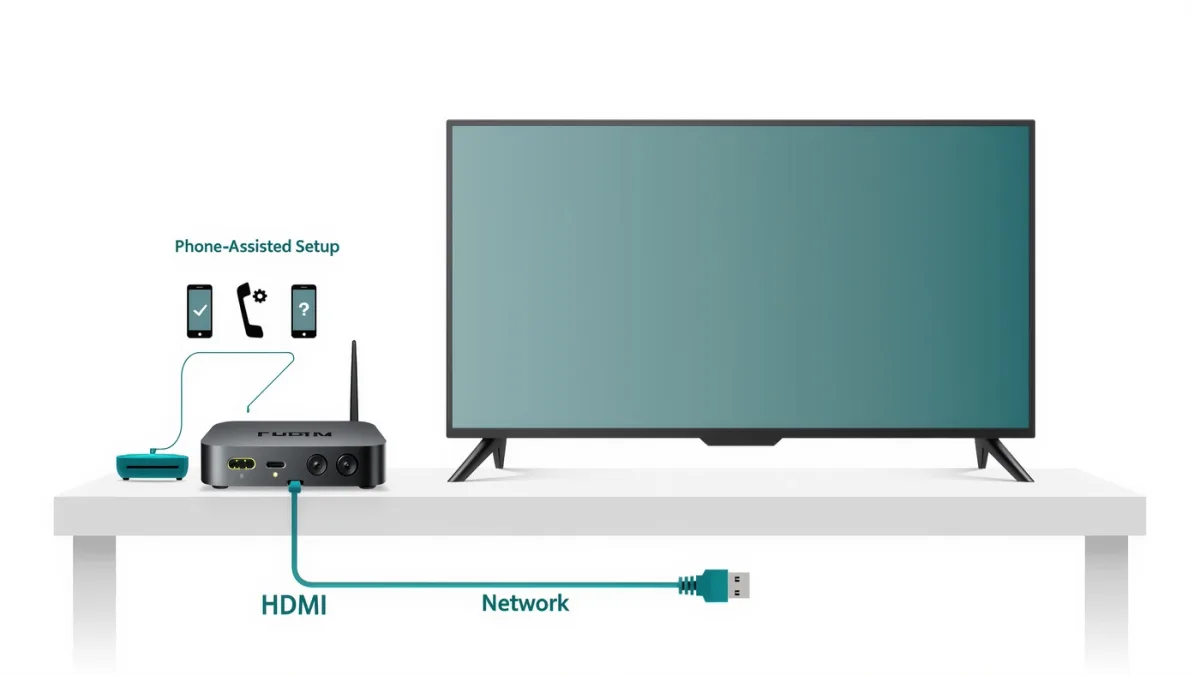
Both streaming boxes set up by borrowing your phone's credentials — the real work is the ten minutes after: disabling targeted ads and adjusting the settings that ship awkward by default.
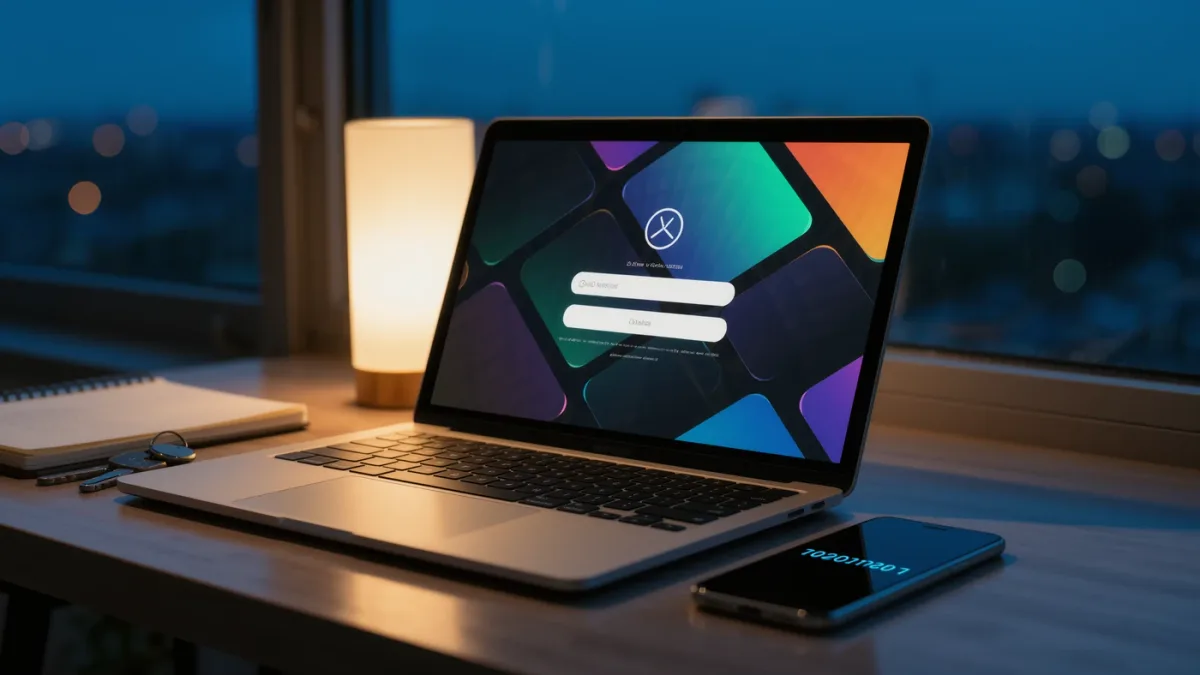
Installing a VPN app takes five minutes; setting one up on your router protects every device in the house — including the ones that can't run apps — but the router route has documented trade-offs.
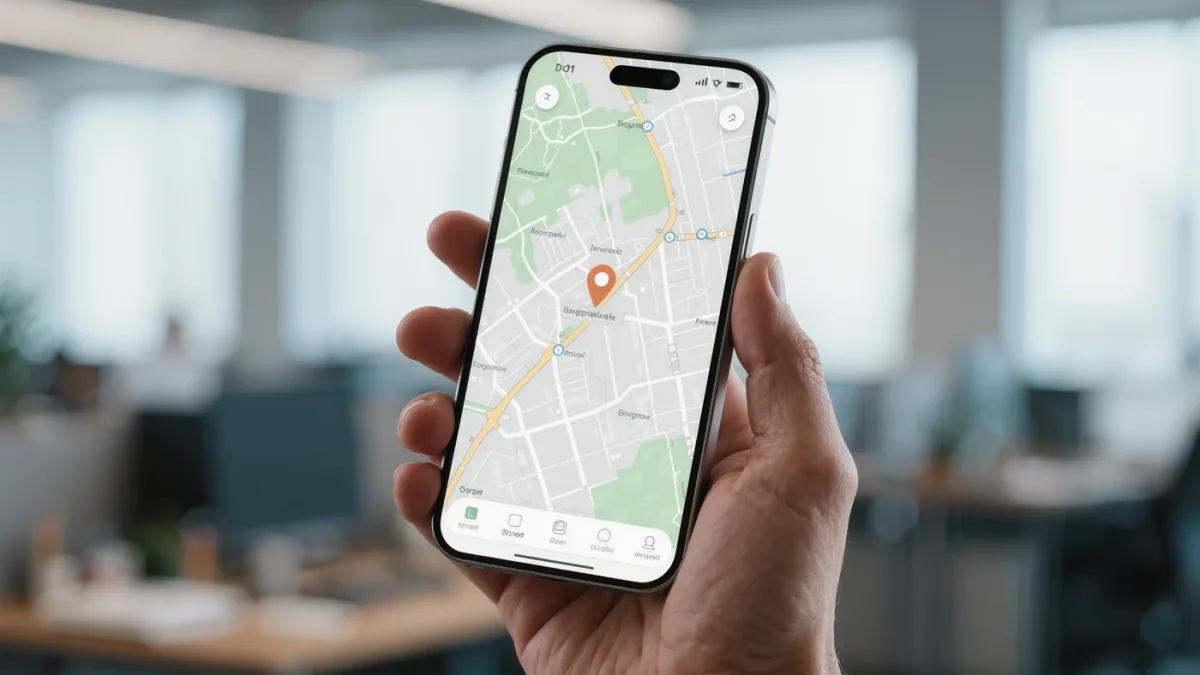
The setting that matters most isn't a toggle — it's enabling Lost Mode before the phone is gone, and knowing that a dead phone can still be found via the locate-network.
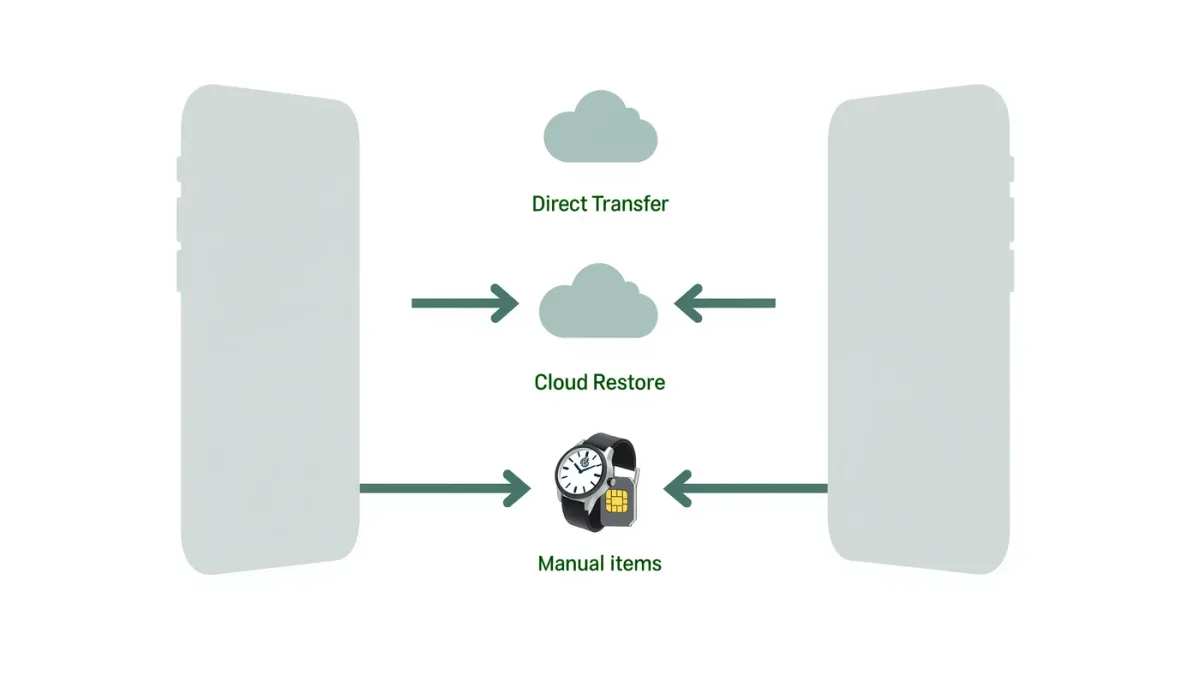
Apple's Quick Start moves apps, photos and settings directly between iPhones in one sitting — but Apple Watch owners have one extra step, and eSIM transfers have documented failure modes.