
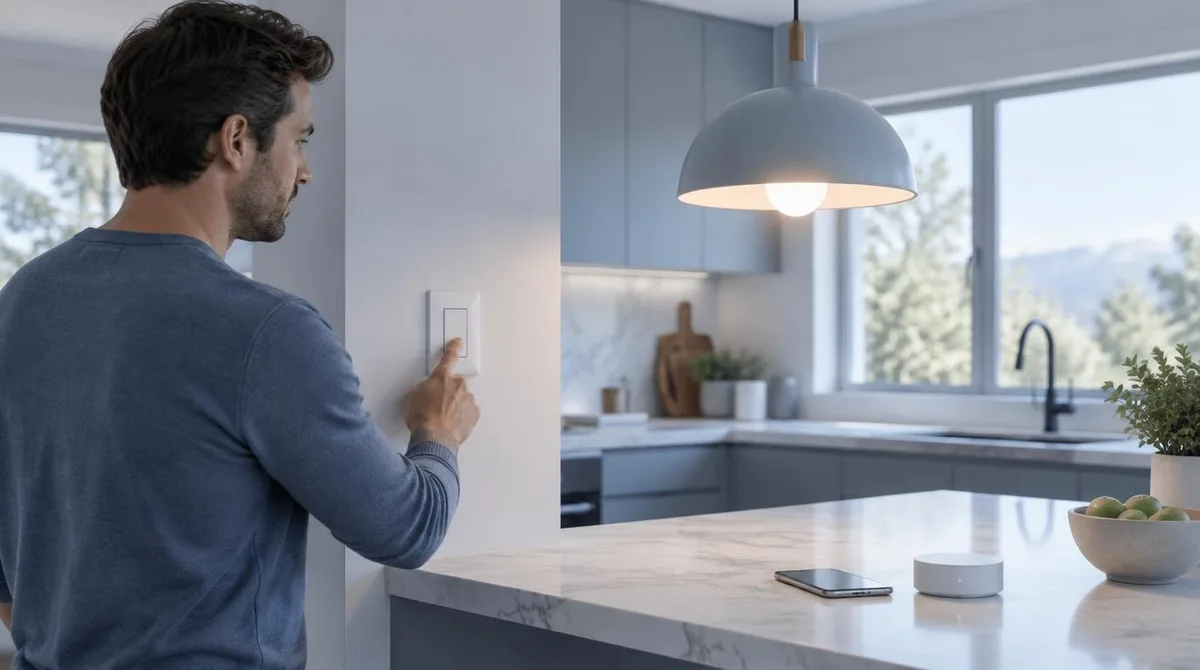
Smart home lighting control comes down to four tools: smart bulbs, smart switches, a hub, and the app that ties them together. Bulbs are the easiest start. Switches cost more and need wiring. A hub speeds things up but adds a box and a bill. Pick based on your fixtures, your budget, and who else in the house needs to flip a switch.
The good news is you don't have to automate the whole house. According to CNET, one to four smart lights are enough to get started, and the cheapest bulbs run about $10, with floodlights typically $10 to $30 and switches starting around $30 to $40. The catch: some setups need neutral wiring, and some brands want a hub before you get the best features.
If you're building out a whole smarthome, lighting is the usual first stop. It's cheap, it's visible, and it pays off daily. Here's how the options actually differ.
Smart bulb or smart switch: which one do you need?
A smart bulb replaces the light itself. You screw it in, pair it with an app, and you get dimming, color, and schedules. A smart switch replaces the wall switch instead, so your existing bulbs stay put. That matters if you have a chandelier or pendant light where swapping bulbs is a hassle.
Per CNET's buying guide, switches can add extras bulbs can't, like presence sensing that turns lights on when someone walks in, or dimming if your fixtures support it. But switches are pricier and take real installation work. Bulbs are the renter-friendly pick. Switches suit owners who want the wall to still work the way family expects.
One more check before you buy anything: the socket. Most US homes use the E26 screw-in base, and the common bulb shape is A19. Floodlights are usually BR30, and some are too big for tight fixtures. CNET recommends measuring the space first, because a bulb that doesn't fit is a return trip you didn't plan.
Do you need a hub at all?
Maybe not. Plenty of bulbs connect straight to your home's 2.4GHz Wi-Fi with no hub required. According to SlashGear, LIFX bulbs work this way and plug into Google Home, Apple Home, Alexa, and SmartThings without extra hardware. That's the simple path: bulb, app, done.
Hubs earn their spot in bigger setups. They handle commands locally, so lights respond faster and keep working when your internet blips. Some brands need one for full features. Wired notes that for Philips Hue, a Bridge ($50) or Bridge Pro ($99) is essential to get the most from the lights, and it works best plugged into your router with an Ethernet cable. If you're unsure whether your network can handle a houseful of Wi-Fi devices, our hub versus mesh Wi-Fi breakdown covers the trade-offs. We covered a connected angle in Smart Home Hub vs Mesh Wi-Fi: Which One You Actually Need.
How the app and voice control fit in
The app is where smart home lighting control actually happens. You'll create an account, pair each light, then set schedules, scenes, and brightness. Most brands also work with a voice assistant, so you can dim the lights without touching your phone. Our assistant comparison helps if you haven't picked a voice yet. Readers following this should also see How to Fix a Smart Home Device That Keeps Going Offline.
Here's the friction point: mixing brands means juggling apps. Wired's advice is to pick one manufacturer and stick with it when you can, because it keeps schedules, syncing, and control consistent. If you do want to mix brands, look for lights that support Matter, a standard that lets one app run lights from different makers. Our Matter explainer covers what it does and doesn't fix.
Expect a second account, too. Yes, another app login — sorry. That's normal for most lighting brands, and it's the price of the free app.
What setup actually looks like
Setup is straightforward, but a little planning saves redoing it. Wired stresses testing lights in different spots before sticking anything down, cleaning surfaces before mounting strips, and keeping pets out of the room while you work. Adhesives can also damage paint or furniture if you pull them off later, so think about placement first.
The basic sequence for a Wi-Fi bulb:
- Download the maker's app and create an account before you start.
- Screw in the bulb and switch it on.
- Pair it through the app, scanning the setup code if the light has one. Wired notes the code is often on the underside of the controller or a booklet in the box.
- Name the light by room so voice commands work naturally.
- Set your first schedule or scene.
For a switch like the Kasa HS220, which BGR reports sells for $19.99 with a 4.5-star rating across more than 34,550 reviews, you'll need neutral wiring and a 2.4GHz Wi-Fi connection. The Kasa app includes a step-by-step install guide for iOS and Android. If wiring a wall switch is outside your comfort zone, an electrician is the honest answer. And if a light later drops off your network, our guide to fixing a device that keeps going offline is the first stop.
What this means for your budget and your rooms
Start where lights matter most: entryways, bedroom lamps, and the main living room light. CNET lists those as the spots where smart lights make the biggest difference. In the living room, Wired suggests hiding the hardware — strips behind the TV, light bars facing walls — so you see the glow, not the gadget.
There's a real energy angle too. CNET cites Department of Energy figures that switching to LED lighting can save up to $225 per year, and smart controls add automatic shutoff on top. Color-changing bulbs usually cost only a little more than white ones, and color-temperature control — warmer at night, cooler in the morning — is worth having even if you skip full color.
Want lights that run themselves? Motion sensors and schedules can handle it. Our guide to automating lights with motion sensors and schedules walks through that next step.
The bottom line on smart home lighting control
Who should buy smart bulbs: renters, first-timers, and anyone who wants color and schedules without touching wiring. Who should buy switches: homeowners with fixtures that are hard to re-bulb, who are comfortable with basic electrical work or willing to pay for it. Who needs a hub: people building a large or multi-brand setup, or anyone who wants local control and faster response.
What the sources don't settle: long-term reliability for any specific brand, and exact year-five costs. Bulb lifespan claims come from makers, not independent labs, so treat them as estimates. Start small, with one or two lights in the rooms you use most. If they earn their keep, expand. If the app annoys you, you've only spent the price of a pizza night to find out.