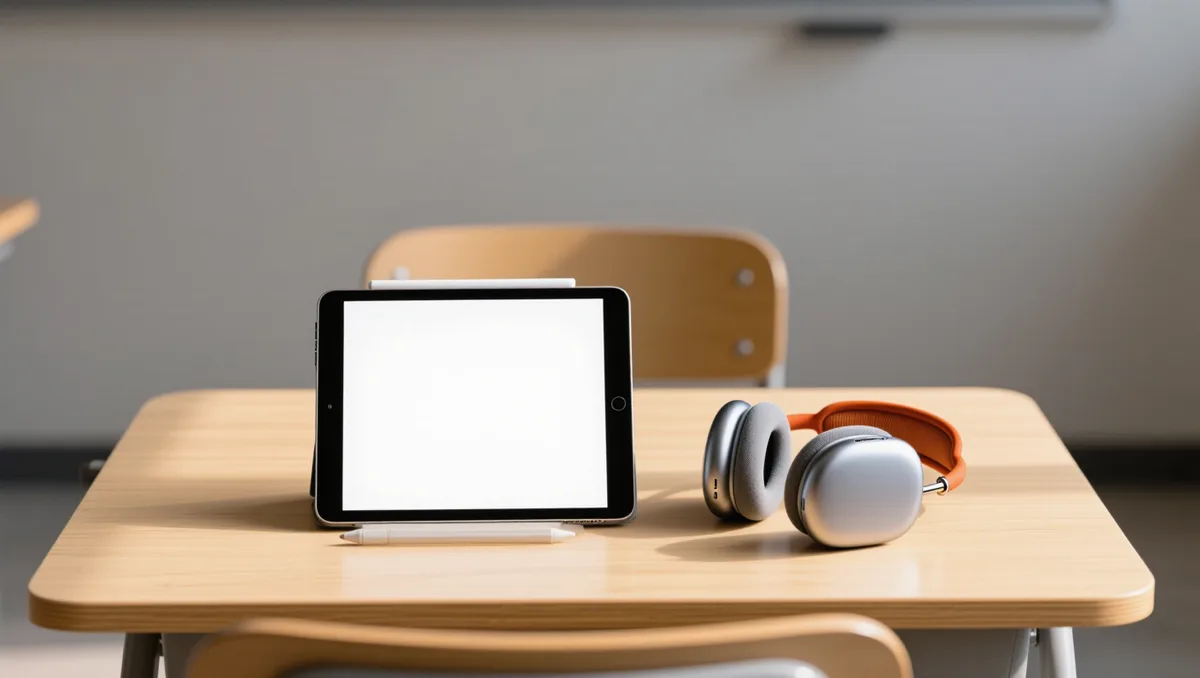
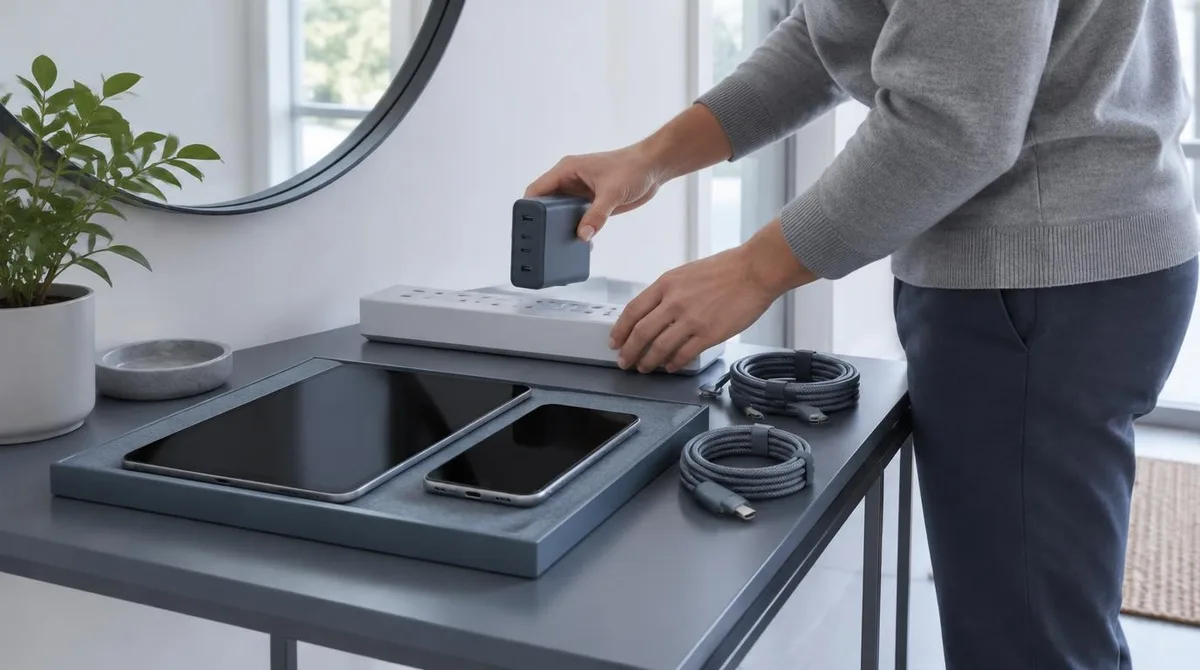
A family charging station handles every device when the wattage math happens before anything gets plugged in. The recipe per the published specs: a USB Power Delivery charger sized to the household's devices, cables rated for the power in play, and a surge protector rather than a plain power strip, per UL's consumer guide. Apple's documentation shows why sizing matters: the iPhone 18 Pro fast charges to 50 percent in around 15 minutes only with a 40W Dynamic Power Adapter or a 60W-capable USB-PD 3.2 adapter. The catch: the spec ties each power level to a cable rating, per USB-IF, so the wrong cable quietly limits the speed.
Everything below traces to three documents: the USB-IF's USB Power Delivery specification pages, Apple's fast-charge support article with testing dated July 2026, and UL's guide to power strips and surge protectors. This connects to our earlier piece, How to Set Up a New iPhone and Transfer Everything From Your Old One.
How Many Watts Does a Family Charging Station Need?
Start from the devices, not the outlet count. Apple's support page lists requirements by model: iPhone 18 Pro models want a 40W Dynamic Power Adapter with 60W Max, or a comparable 60W-capable adapter using Adjustable Voltage Supply and USB-PD 3.2. iPhone 17 models fast charge with 40W or higher, and an iPhone 15 or later fast charges on Apple's 18W or greater USB-C adapter or a USB-PD equivalent. Add up the devices that charge at once, then size the charger above that sum. USB PD's design helps: the specification lets each device take only the power it requires.
Do Cables Matter as Much as the Charger?
Yes. The USB-IF specification page ties power to cable class: before 2021's USB PD 3.1, delivery topped out at 100W over 20V using Type-C cables rated at 5A, and 240W requires a full-featured Type-C cable, with Type-C Release 2.1 defining the 240W cable requirements. Apple's fast-charge article directs iPhone 18 Pro owners to the in-box cable, and its July 2026 testing used a 60W-capable USB-C cable for wired fast charge. Keep the rated cable with the powerful charger. What the sources do not settle is length: the documents name ratings, not distances, so a long third-party run is a buyer-verify item.
Does a Charging Station Need Surge Protection?
A power strip is an extension cord with a lot of outlets, per UL's guide. A surge protector adds an element that clamps the surge and pulls it away from downstream gear. UL recommends products it has certified for fire and shock hazards, and it tells buyers to check the electrical rating in watts or amps against the planned load. A surge protector also carries a suppressed voltage rating from 330 to 4,000 volts, and UL's advice is that the lower number protects better. Keep heaters and kitchen appliances off the strip entirely; UL warns that one continuous heating appliance can overload it.
How Do You Set Up the Station Step by Step?
- 1. List the devices that charge overnight and find each maker's fast-charge requirement in its support documentation, not on the retail box.
- 2. Add those numbers and pick a USB-PD charger above the sum, so phones, tablets and earbuds never fight for watts.
- 3. Match cables to the spec: a full-featured USB Type-C cable for high-wattage charging, and in-box cables for iPhones, per Apple's article.
- 4. Plug the charger into a UL-certified surge protector whose watt or amp rating covers the load, and note the suppressed voltage rating on the packaging.
- 5. Test one device at a time and time it: Apple's July 2026 testing put an iPhone 18 Pro at 50 percent in around 15 minutes.
Conclusion: A Station That Charges Every Device
A station that handles the whole household is mostly paperwork: count the watts, respect the cable ratings, and clamp the outlet. Mixed-device households should spend on the charger first and the strip second. A single-USB-C household can size smaller and spend less. The sources leave two gaps: no multiport charger was tested for this piece, and neither USB-IF nor Apple documents wattage loss over long cables in the pages cited, so verify before buying longer runs. For related coverage, see How to Set Up Find My iPhone and Find My Device So They Actually Work.